Turn any source intoprofessional social assets.In 60 seconds.
Paste an article, upload a PDF, drop in text, or search the web. Highlightly extracts real hooks, quotes, stats, and key points — then turns them into branded cards, carousels, captions, and high-res exports.
Free to start · No credit card required · 20 free credits
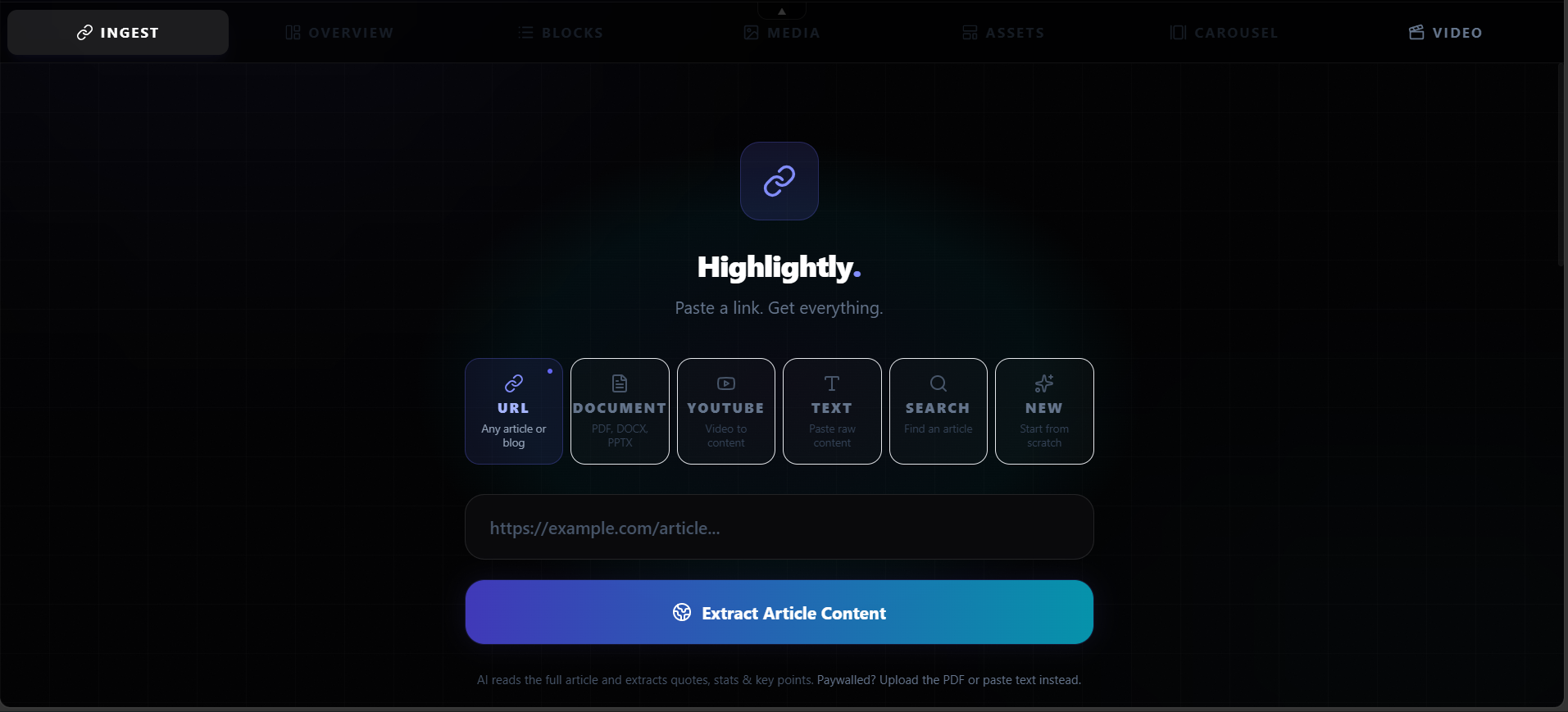
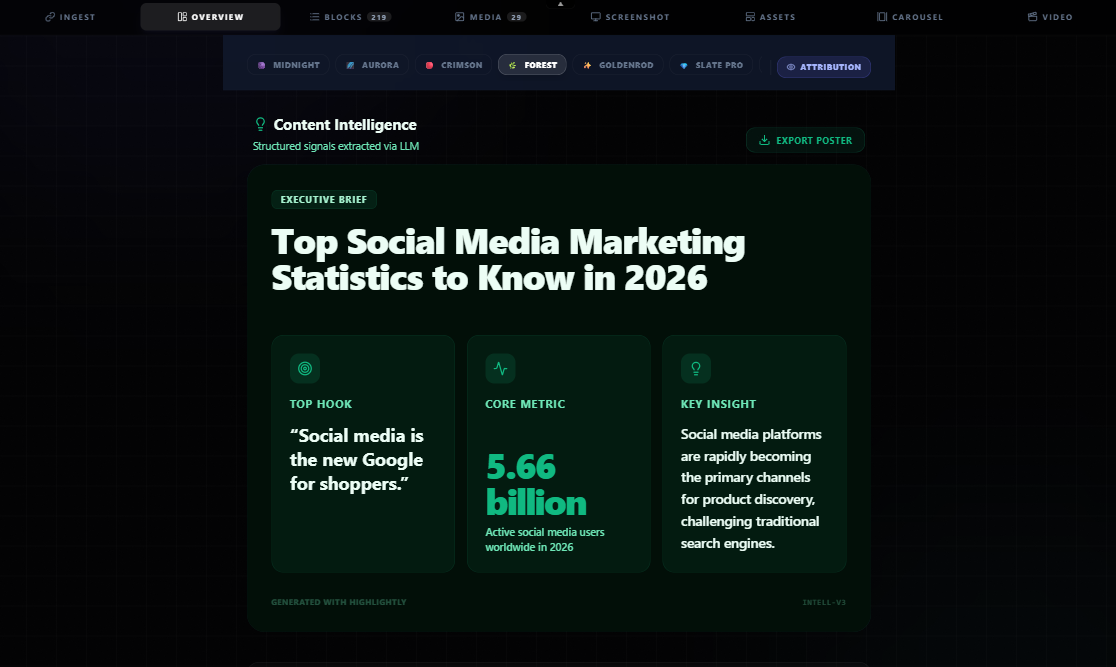
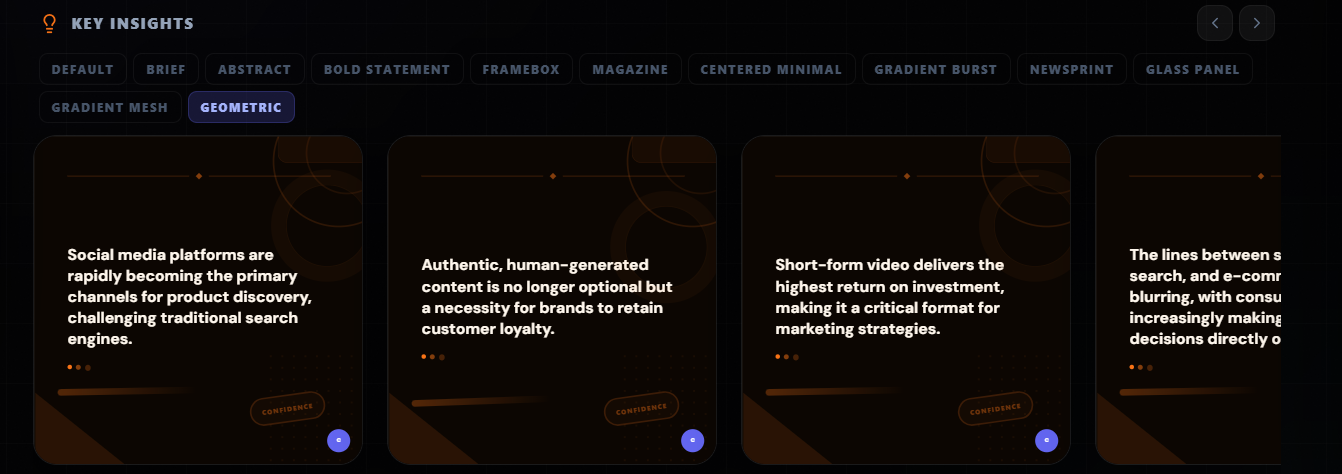
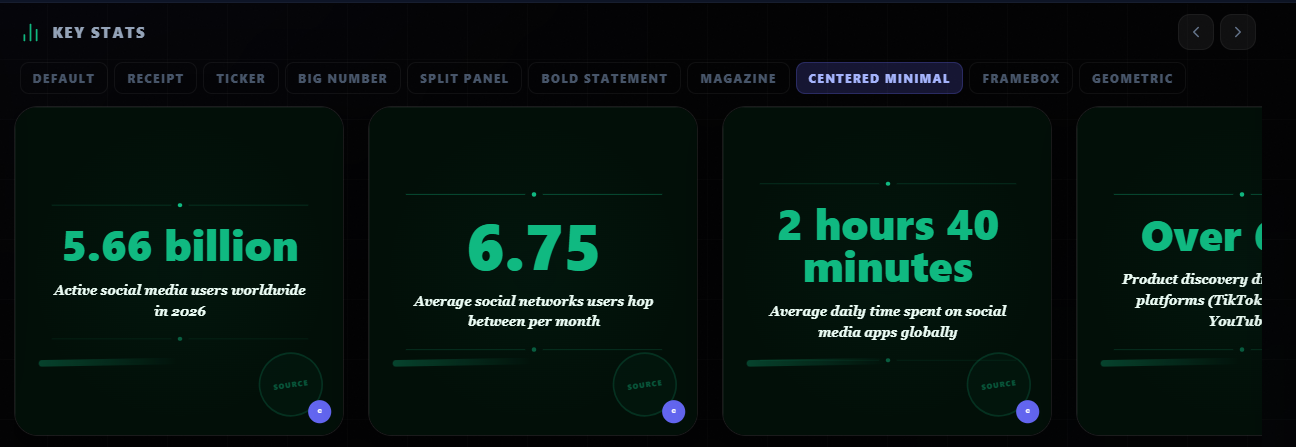
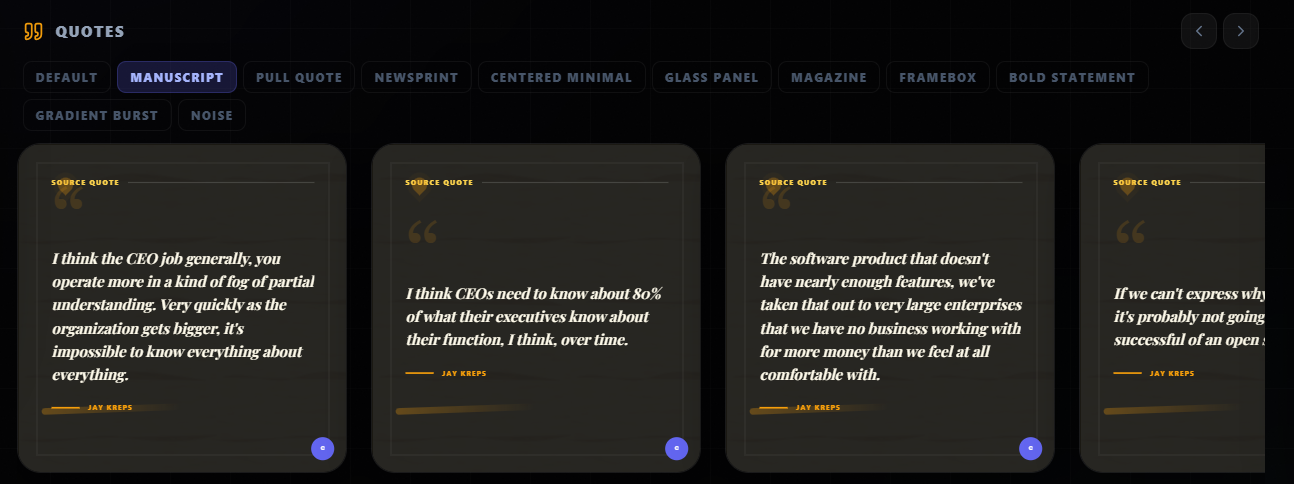
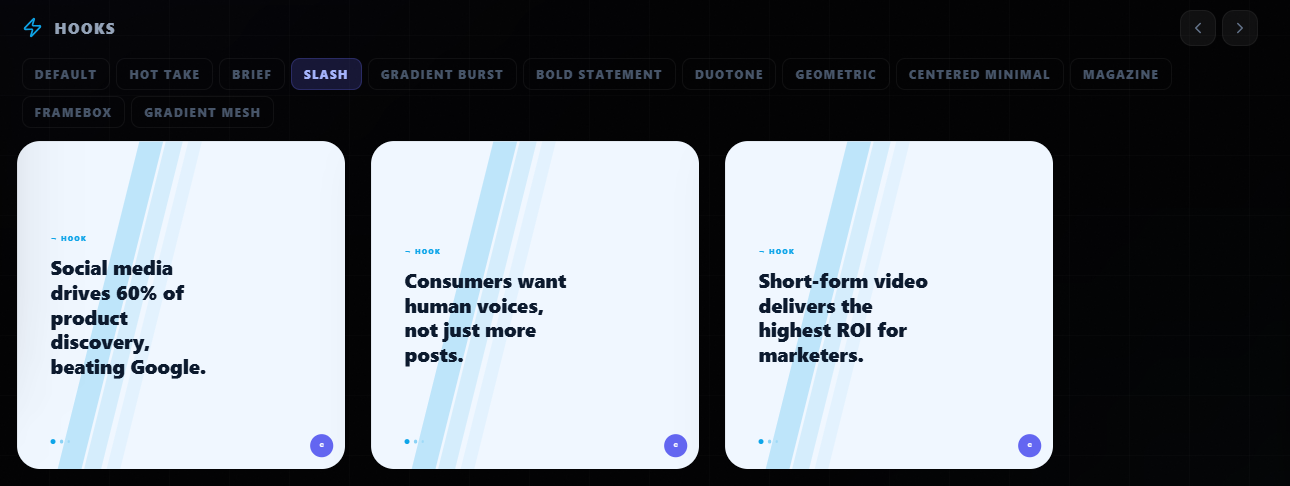
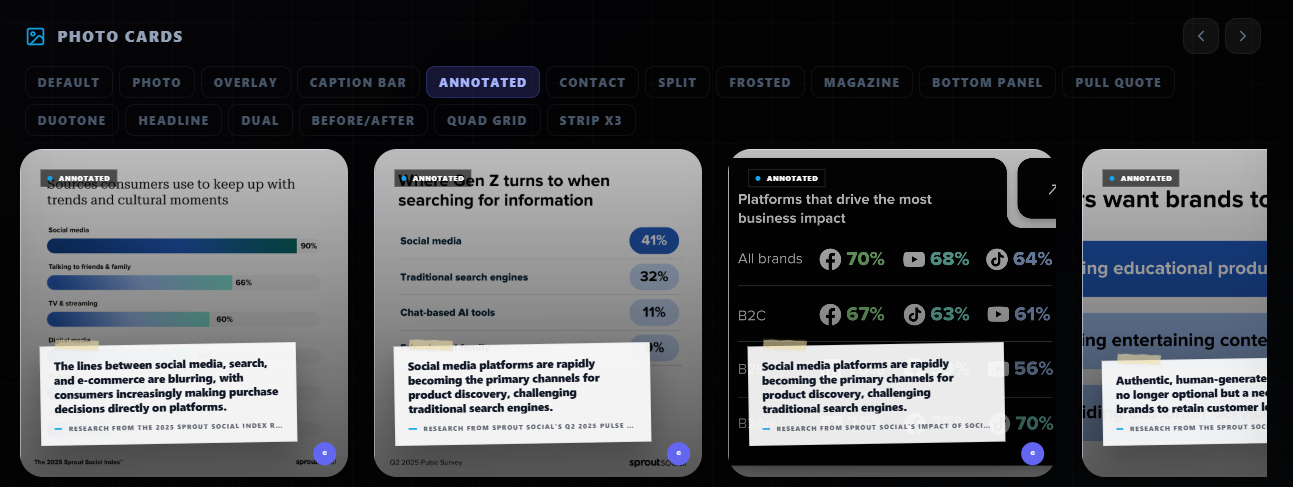
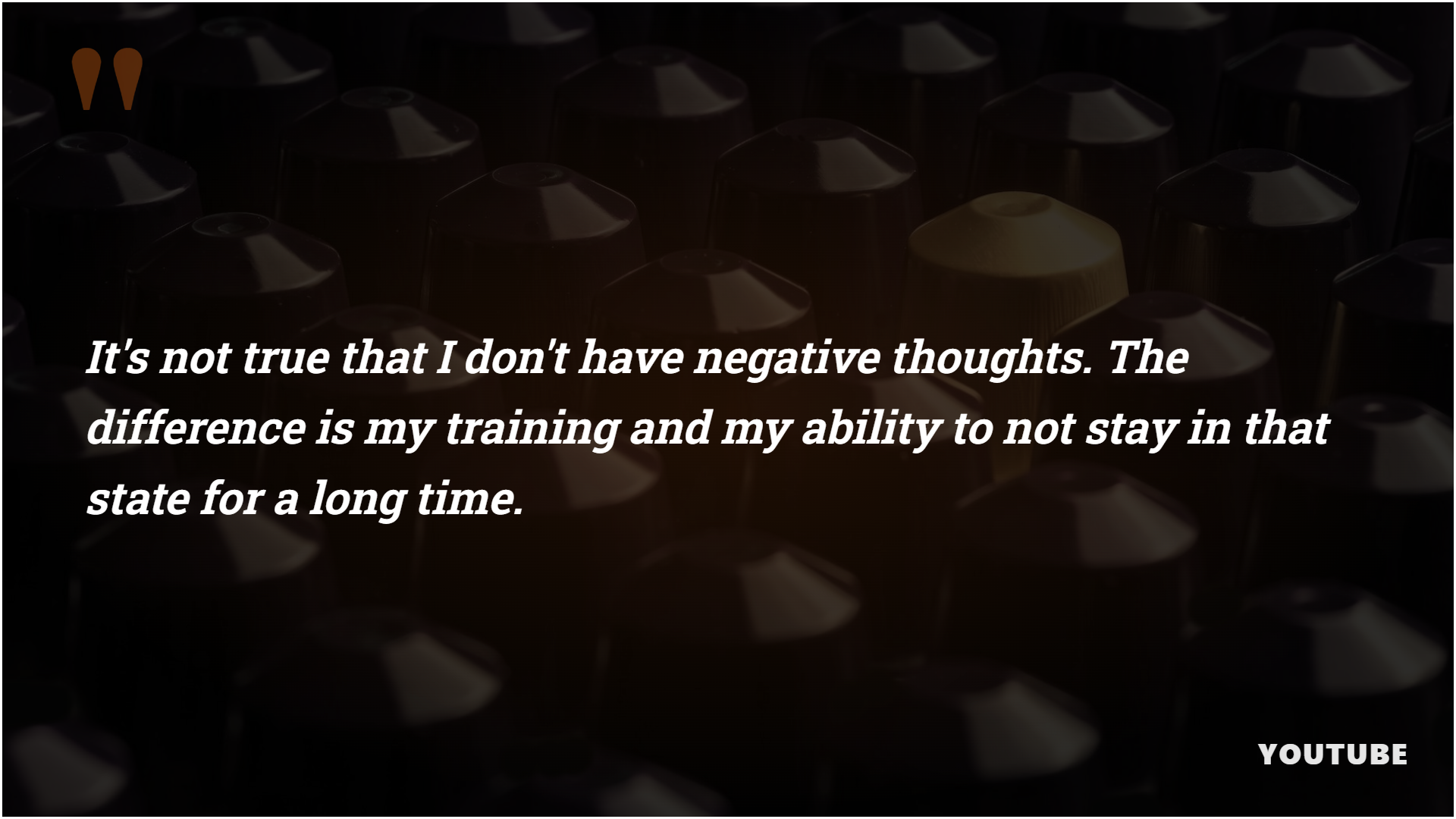
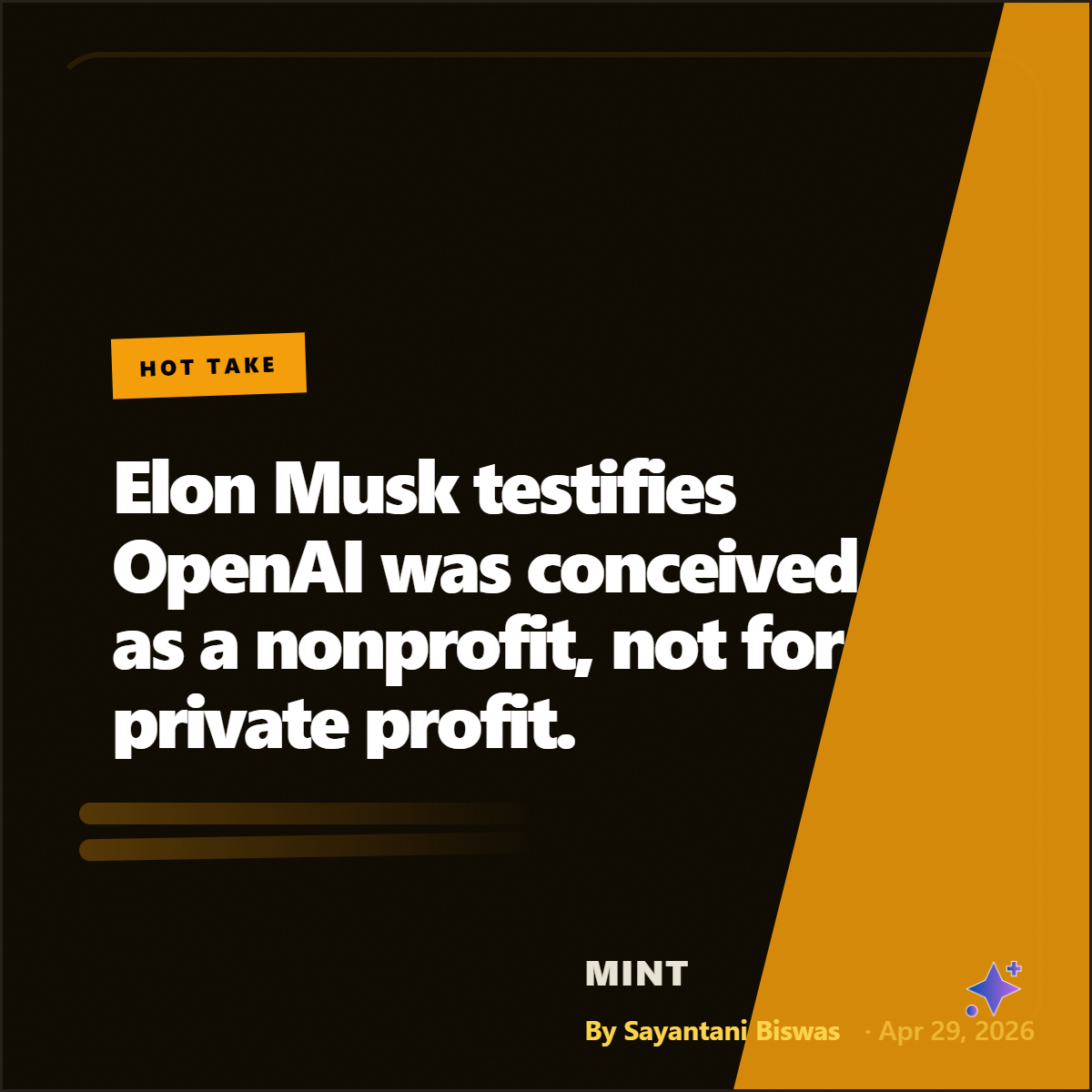
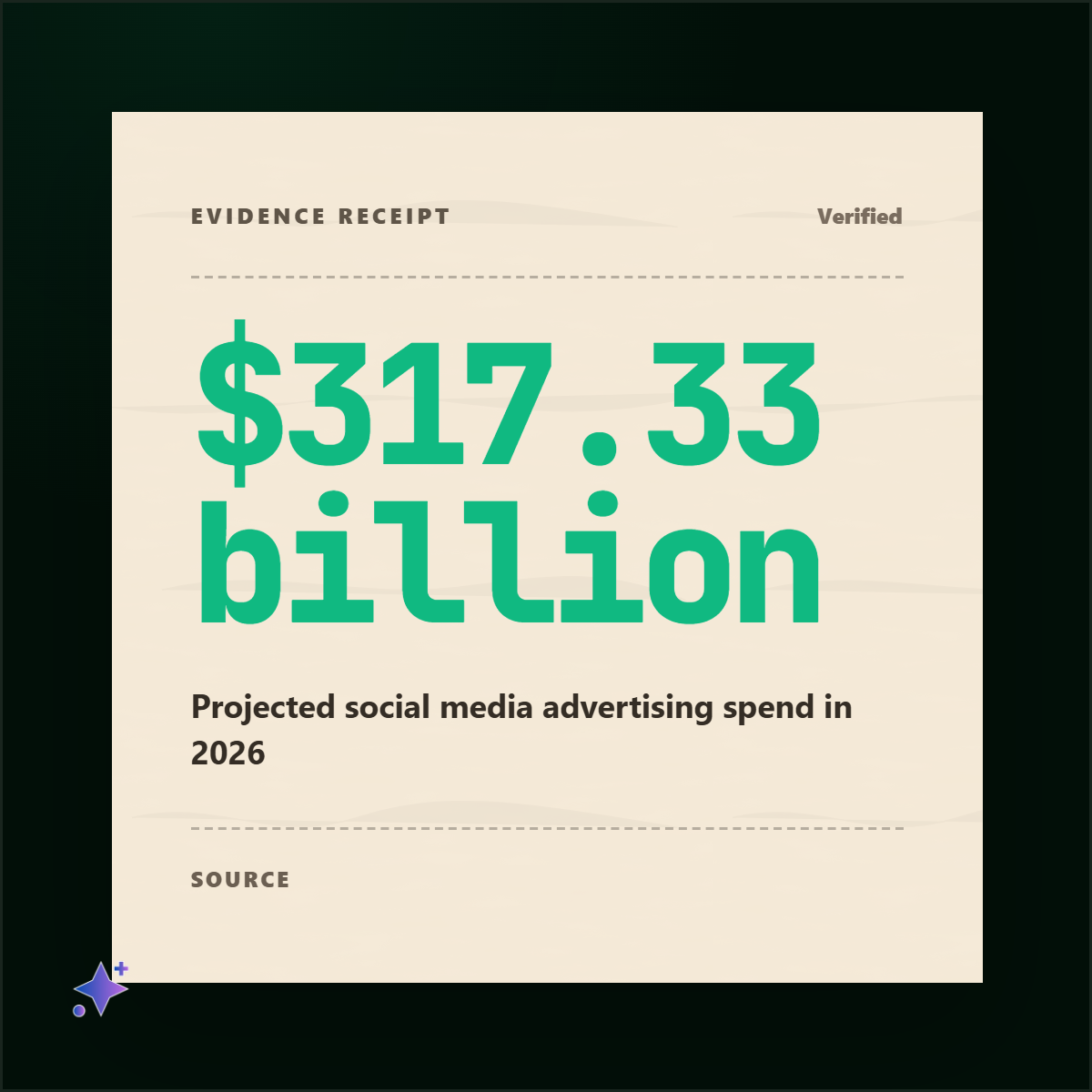
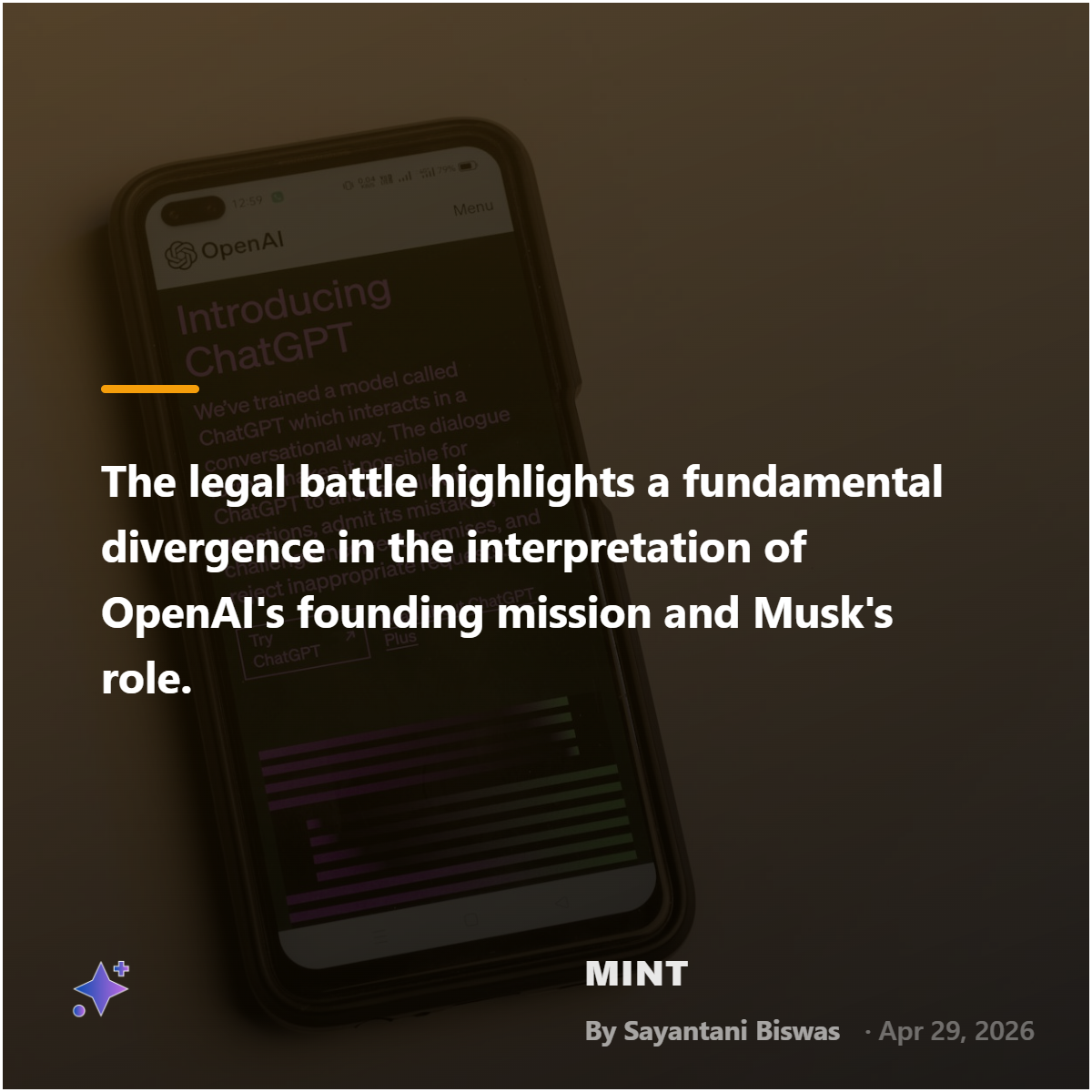

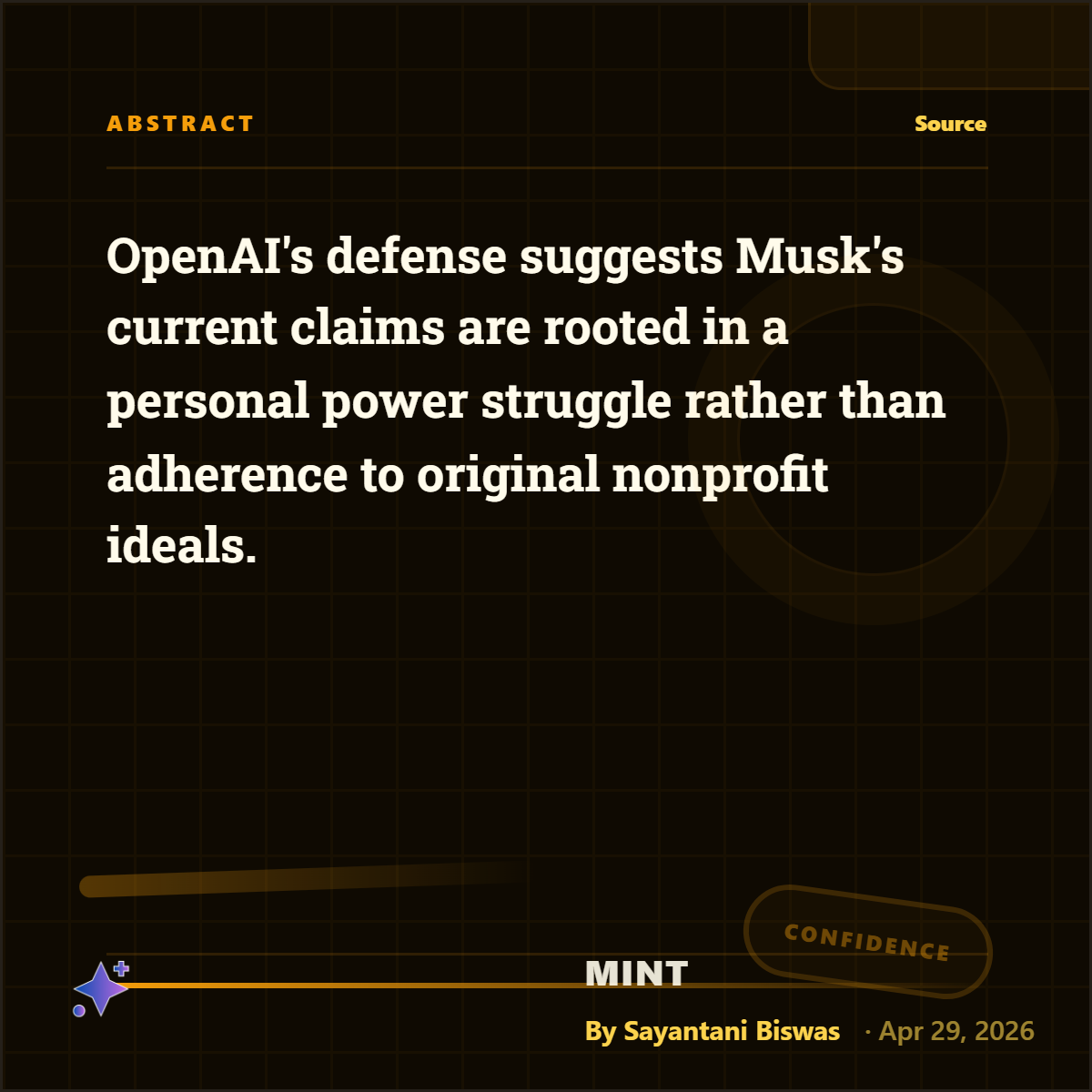
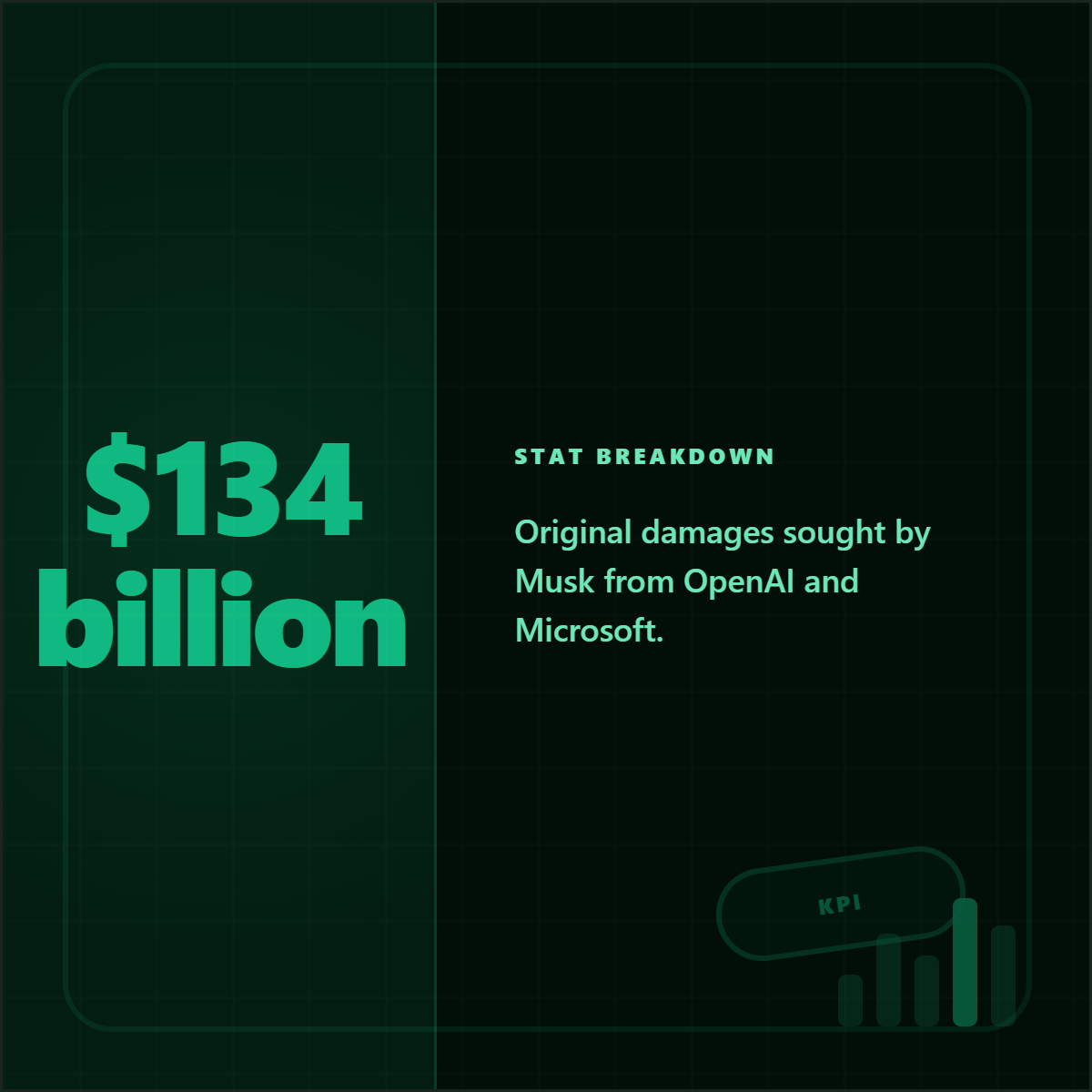
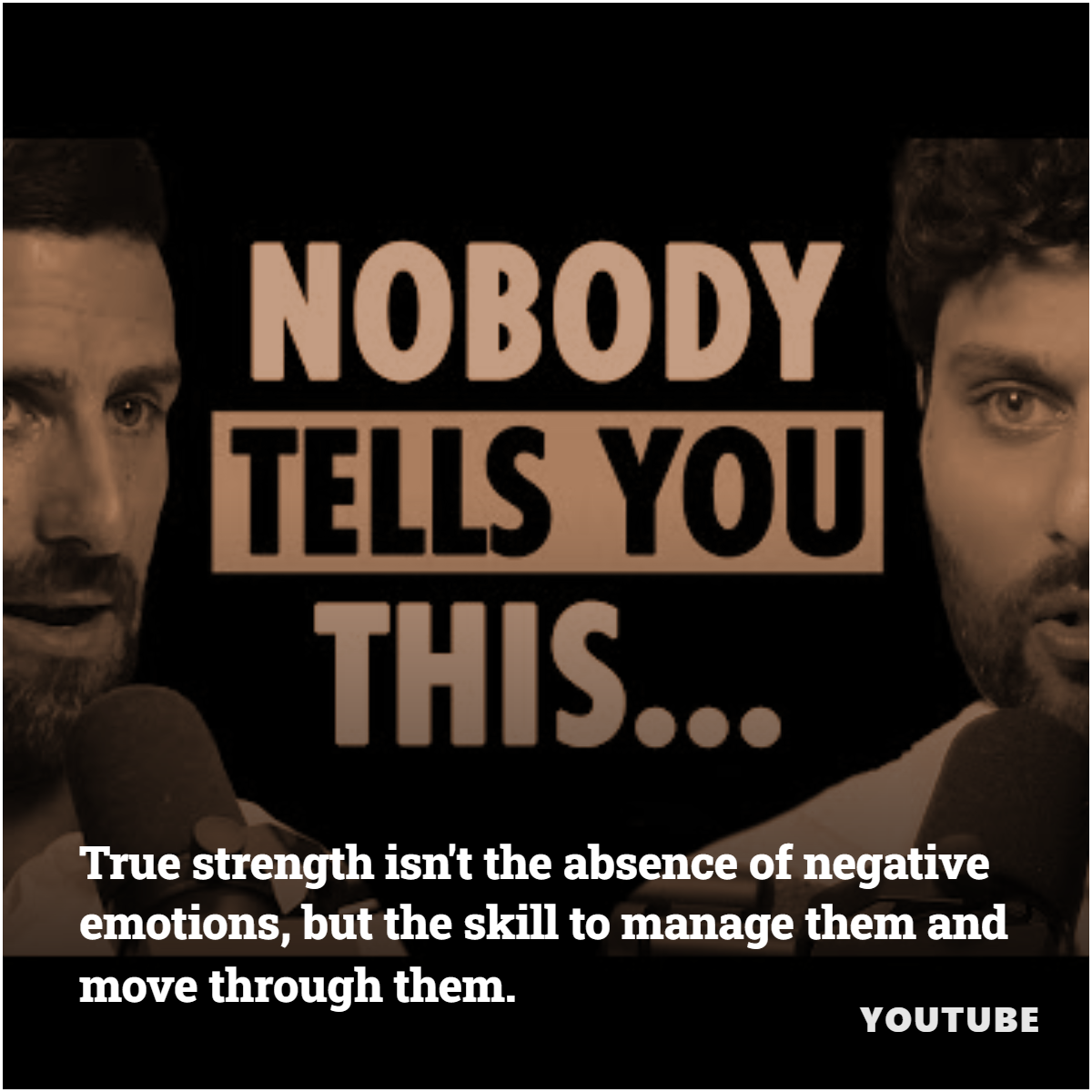
One source becomes a full content kit.
Highlightly extracts the real material first, then pre-fills cards, carousels, screenshots, captions, images, and templates you can edit.
Inputs
Extract
Prefill
Outputs
Premade cards
Carousel
Screenshots
The old way takes 2 hours.
Every piece of content you want to share goes through the same painful workflow.
Gather content
30–60 minRead articles, highlight quotes, copy-paste stats
Design graphics
30–60 minOpen Canva, pick templates, resize for each platform
Resize for platforms
15–30 minAdapt 9:16, 1:1, 16:9 for LinkedIn, Twitter, Instagram
Write captions
15–20 minDraft platform-specific captions with hashtags
There's a better way.
From source to social asset in 60 seconds.
1. Feed it content
Paste a URL, upload a PDF, drop in raw text, search articles, or use a YouTube transcript. Highlightly handles the parsing instantly.
2. AI extracts the gold
Our intelligence engine reads your source and pulls real quotes, statistics, hooks, and key insights.
3. Set the stage
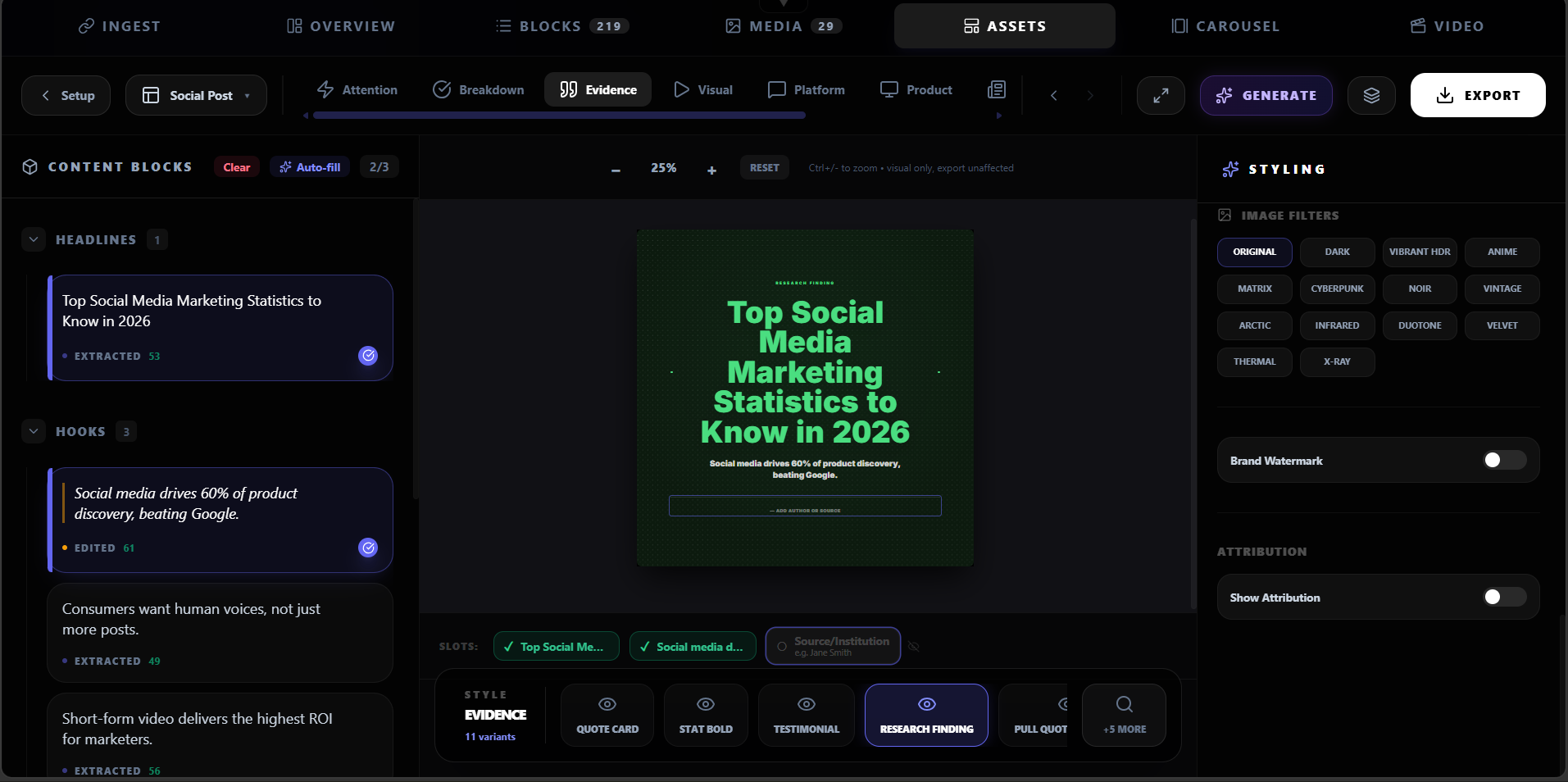
Choose from 100+ templates. Your brand colors, fonts, and logos are automatically applied to every asset.
4. Export and post
Download high-res PNGs in six platform-ready ratios. Ready for LinkedIn, X, Instagram, decks, and newsletters in seconds.
AI does the heavy lifting.
You add the magic.
Generic AI tools
- Generic AI phrasing and cliches
- No brand consistency
- Manual copy-paste workflows
- One-size-fits-all outputs
- No platform-specific optimization
Highlightly
- AI extracts real hooks, quotes, stats
- Brand kit auto-applied to every asset
- Paste a URL — done in seconds
- 10 content types per extraction
- Captions per platform (LinkedIn, X, IG)
A complete studio for source-backed content.
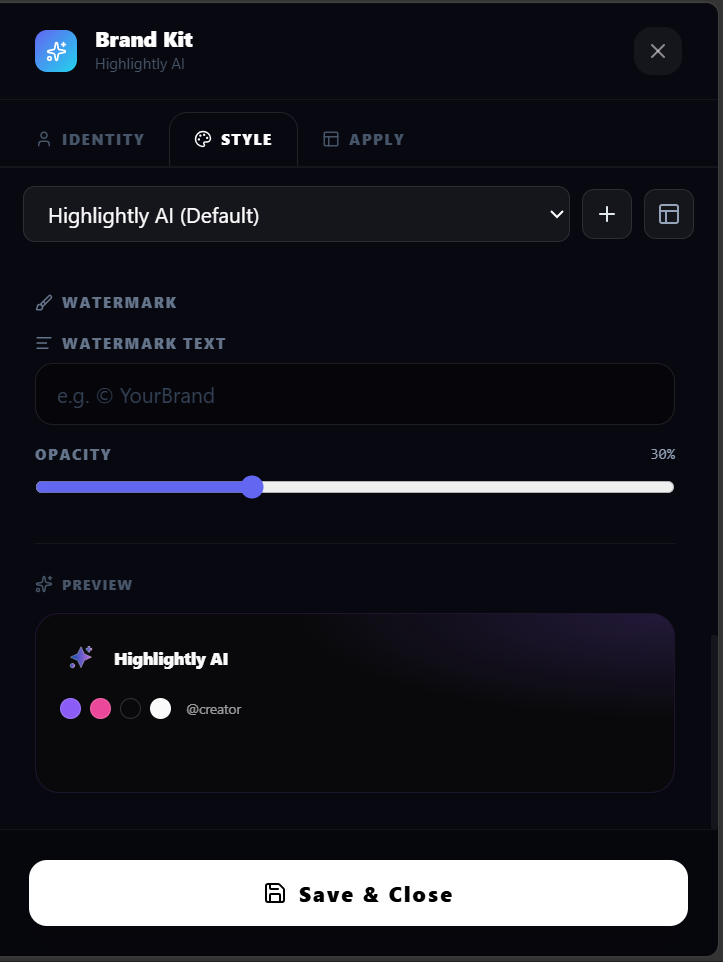
Persistent Brand Kit
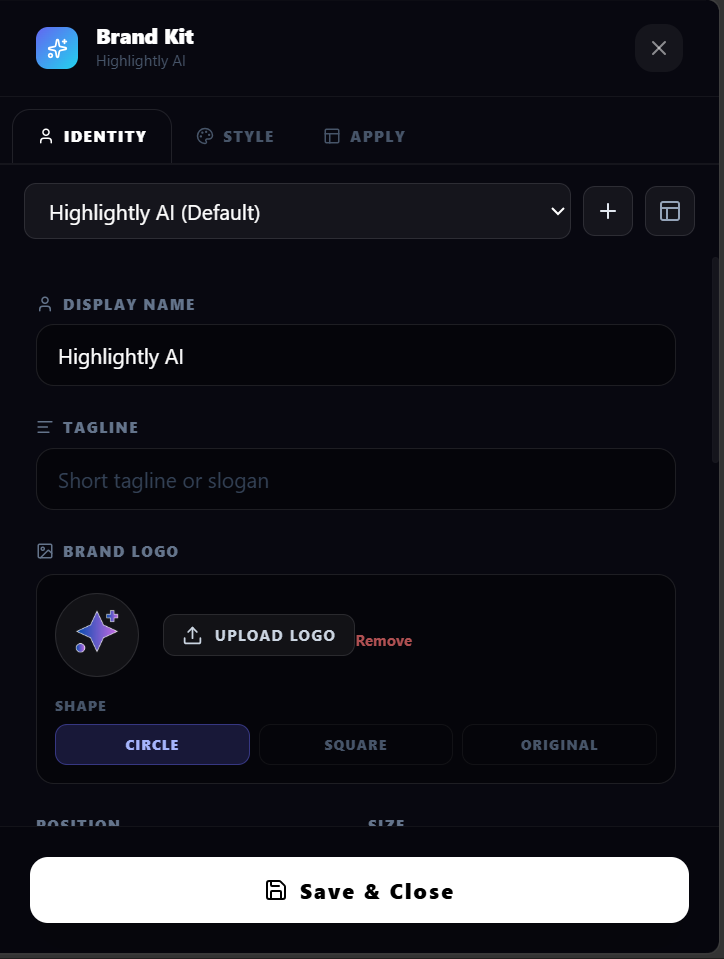
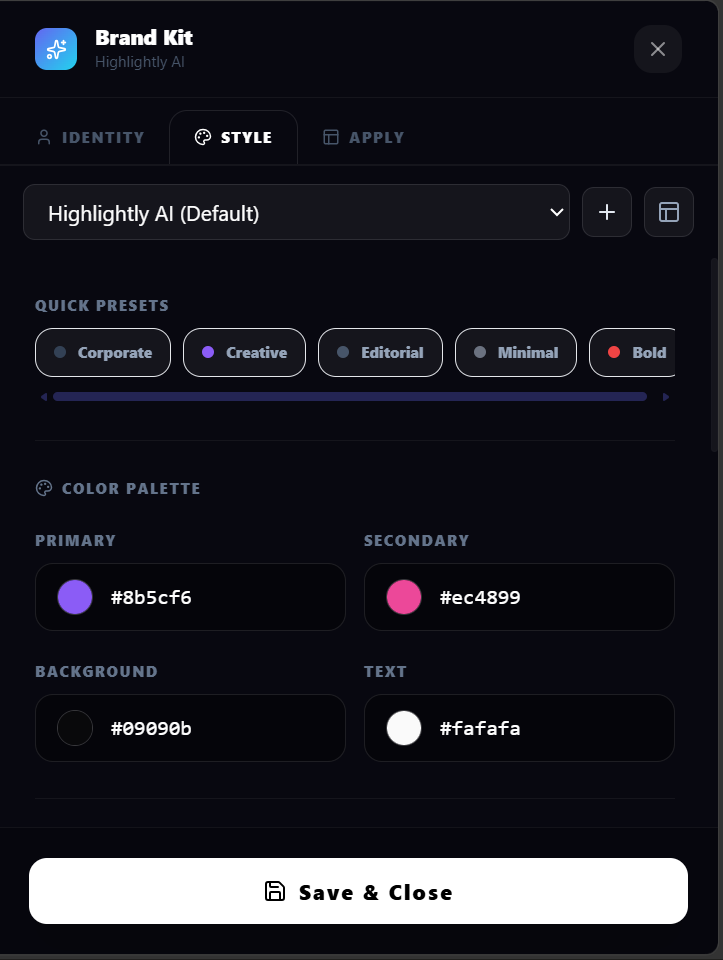
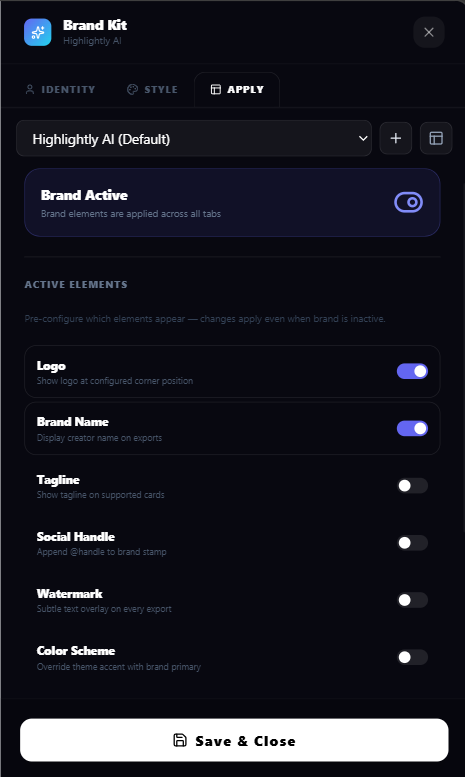
Set colors, fonts, logo behavior, social handles, and watermark rules once. Highlightly carries them through cards, screenshots, carousels, and exports.
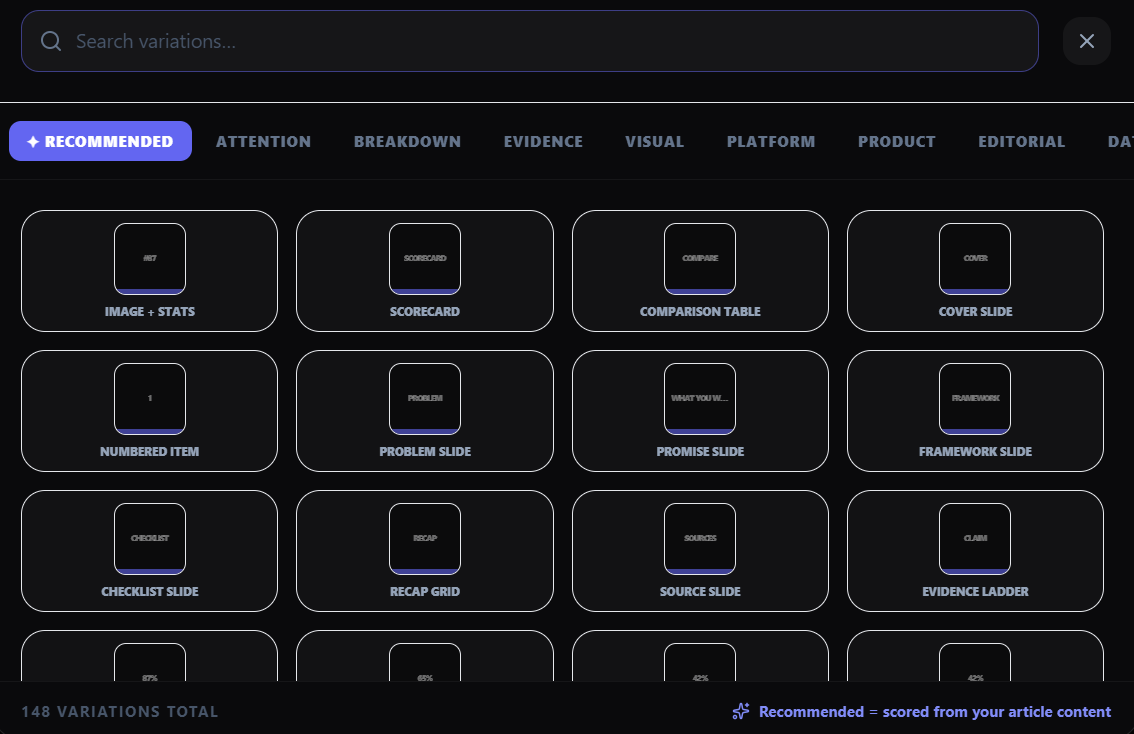
100+ Templates
Categories, variations, content blocks, and styling controls for real extracted material.
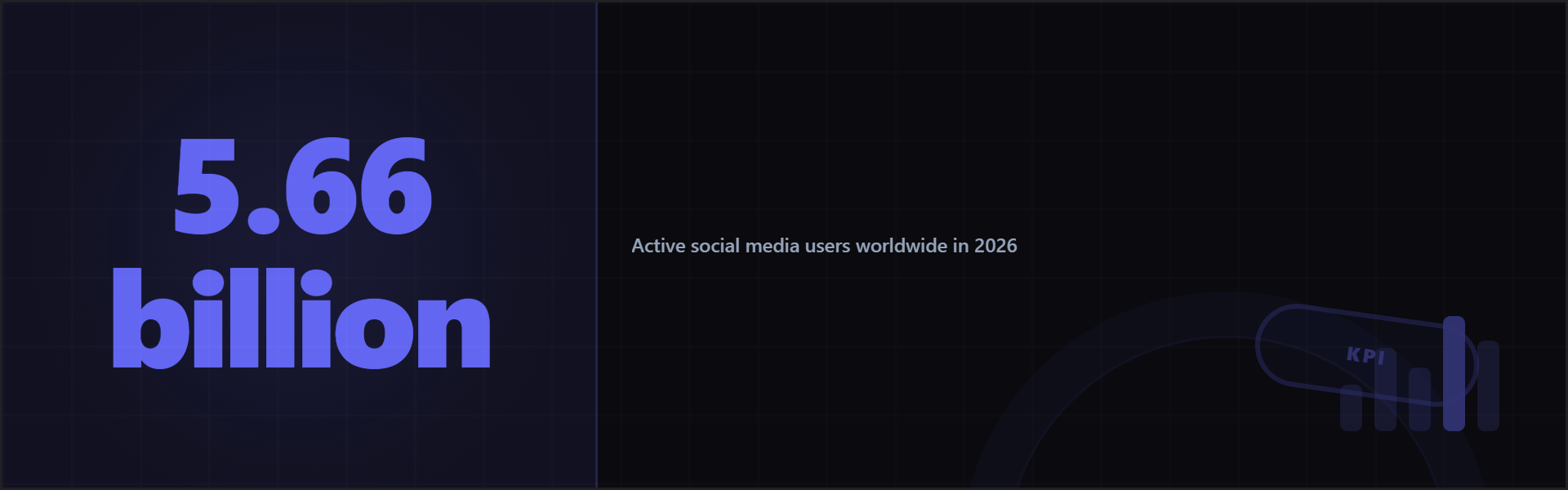
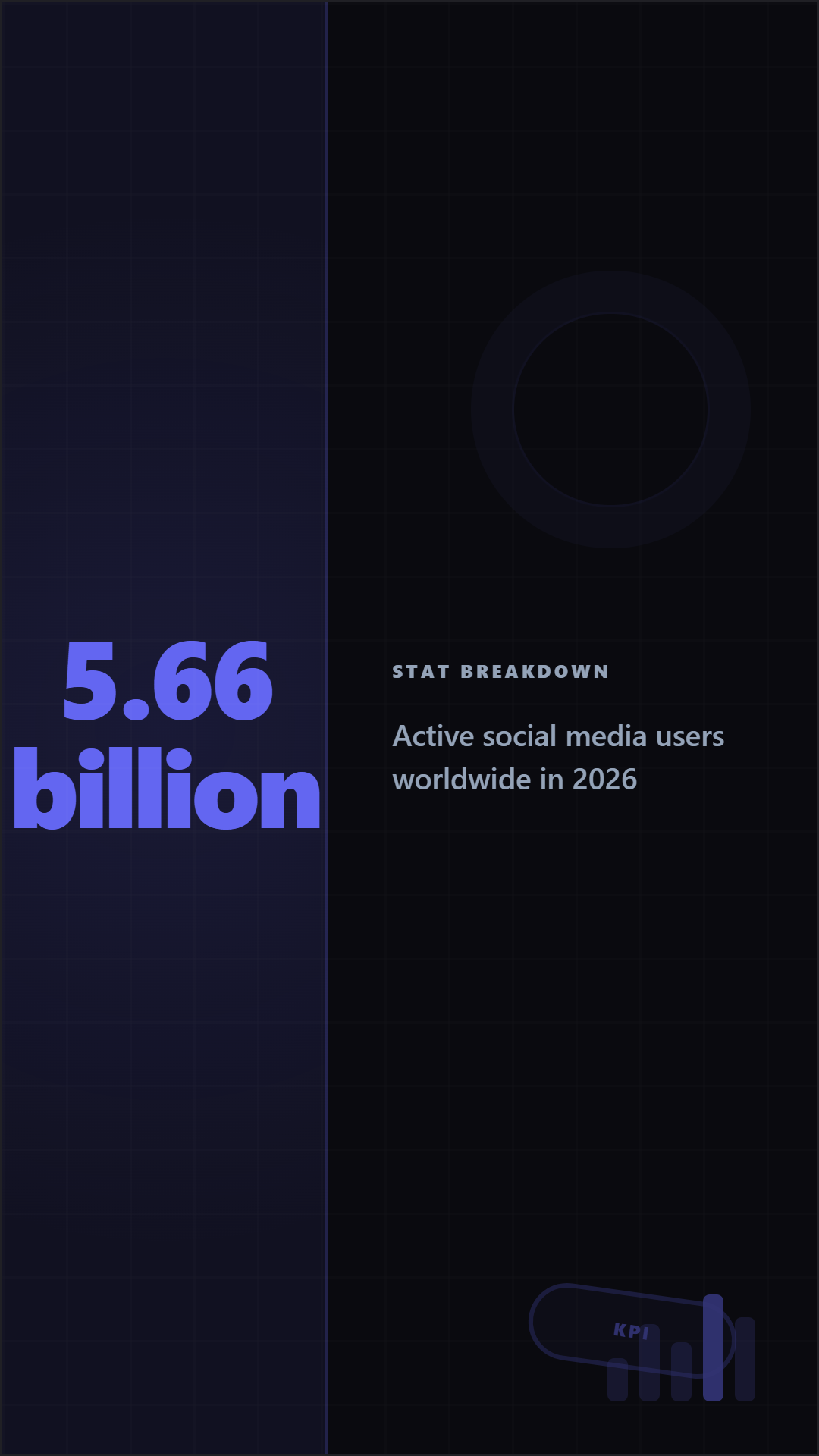
Every Size
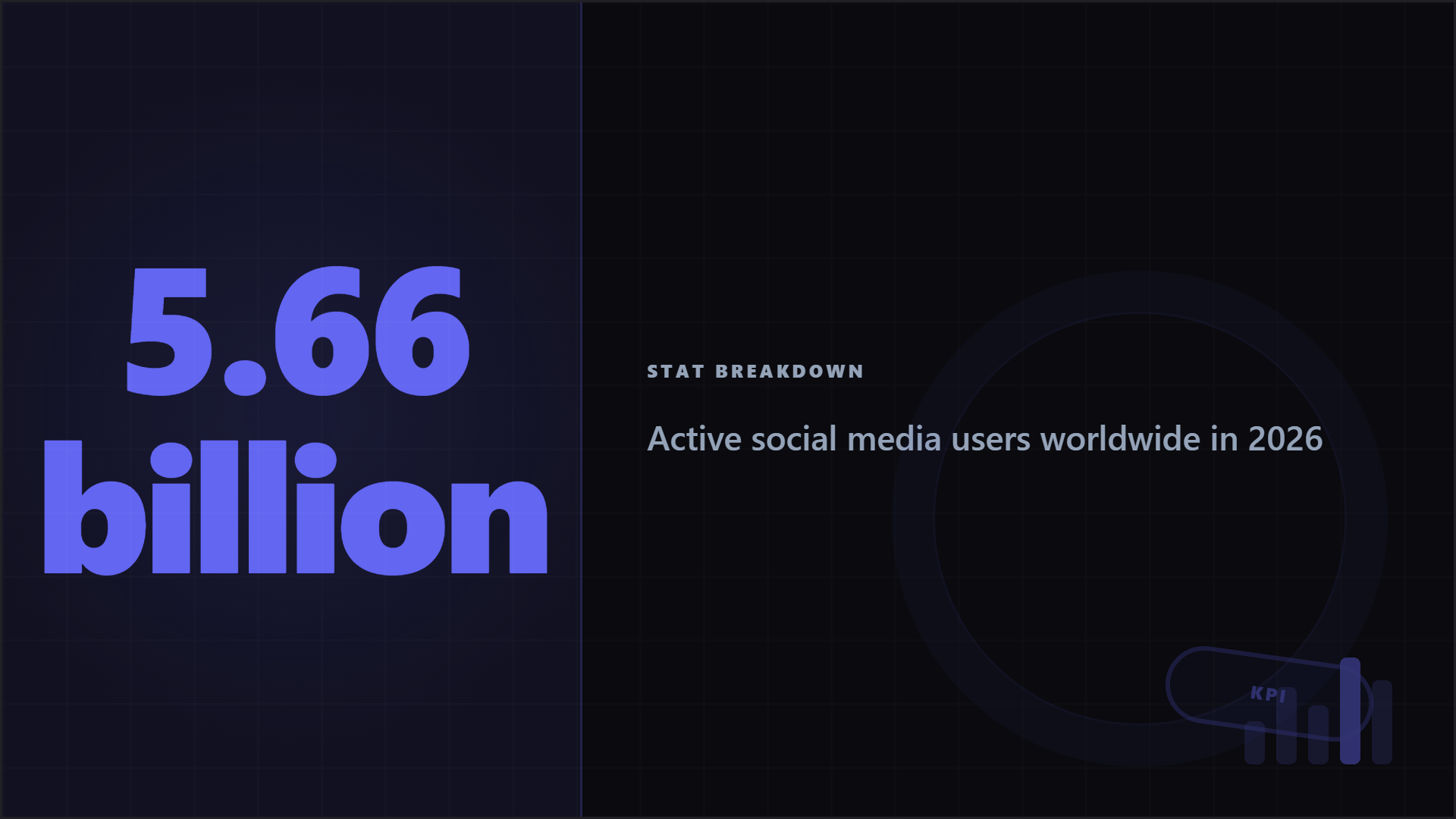
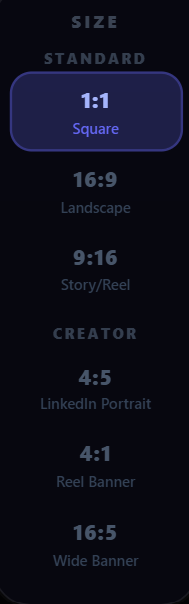
One source-backed graphic can become a story, square post, wide card, or presentation visual.
Lightbox Studio
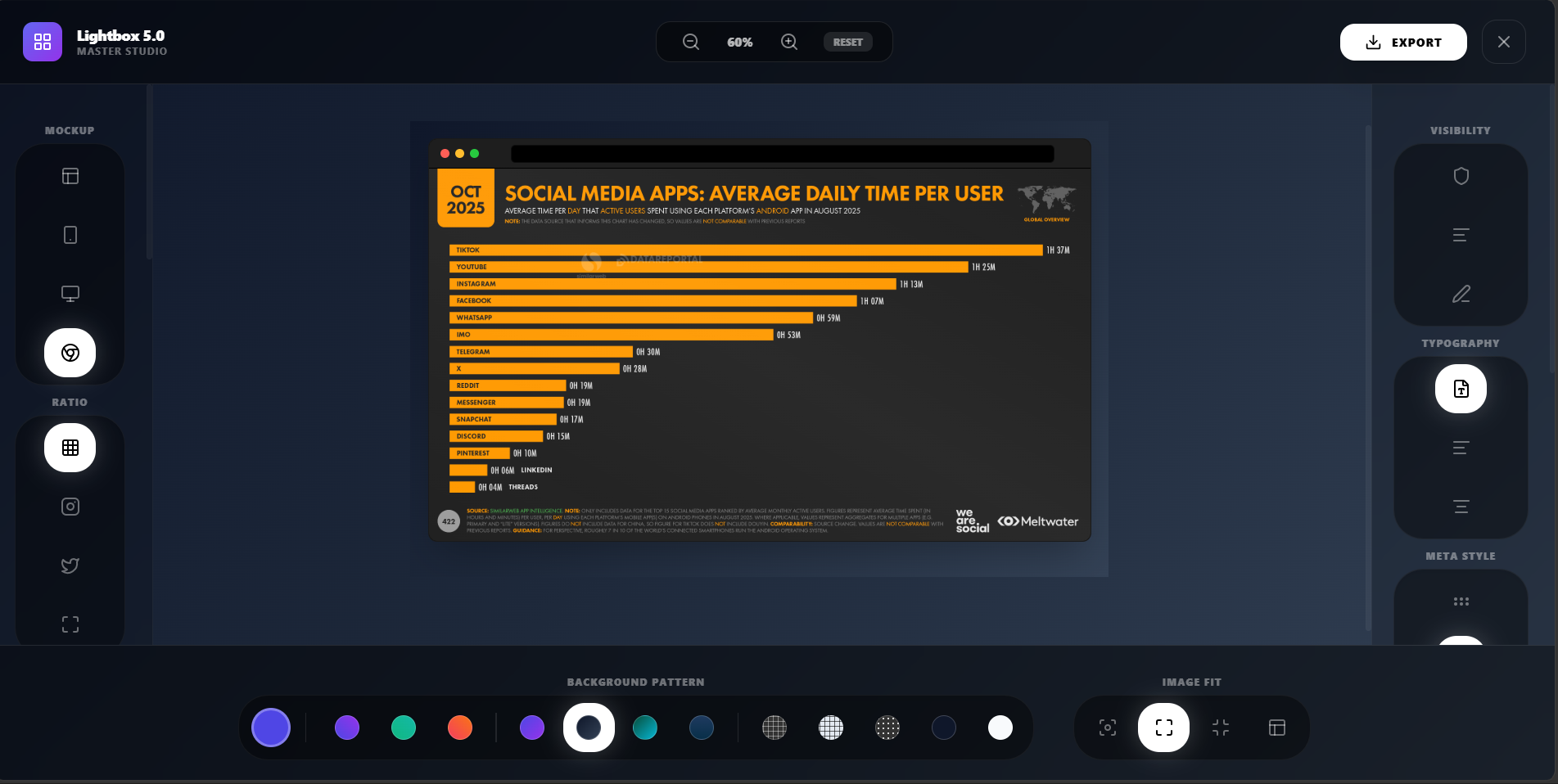
Advanced image editing environment with filters, device mockups, custom captions, and spotlight annotations.
The first useful asset appears instantly.
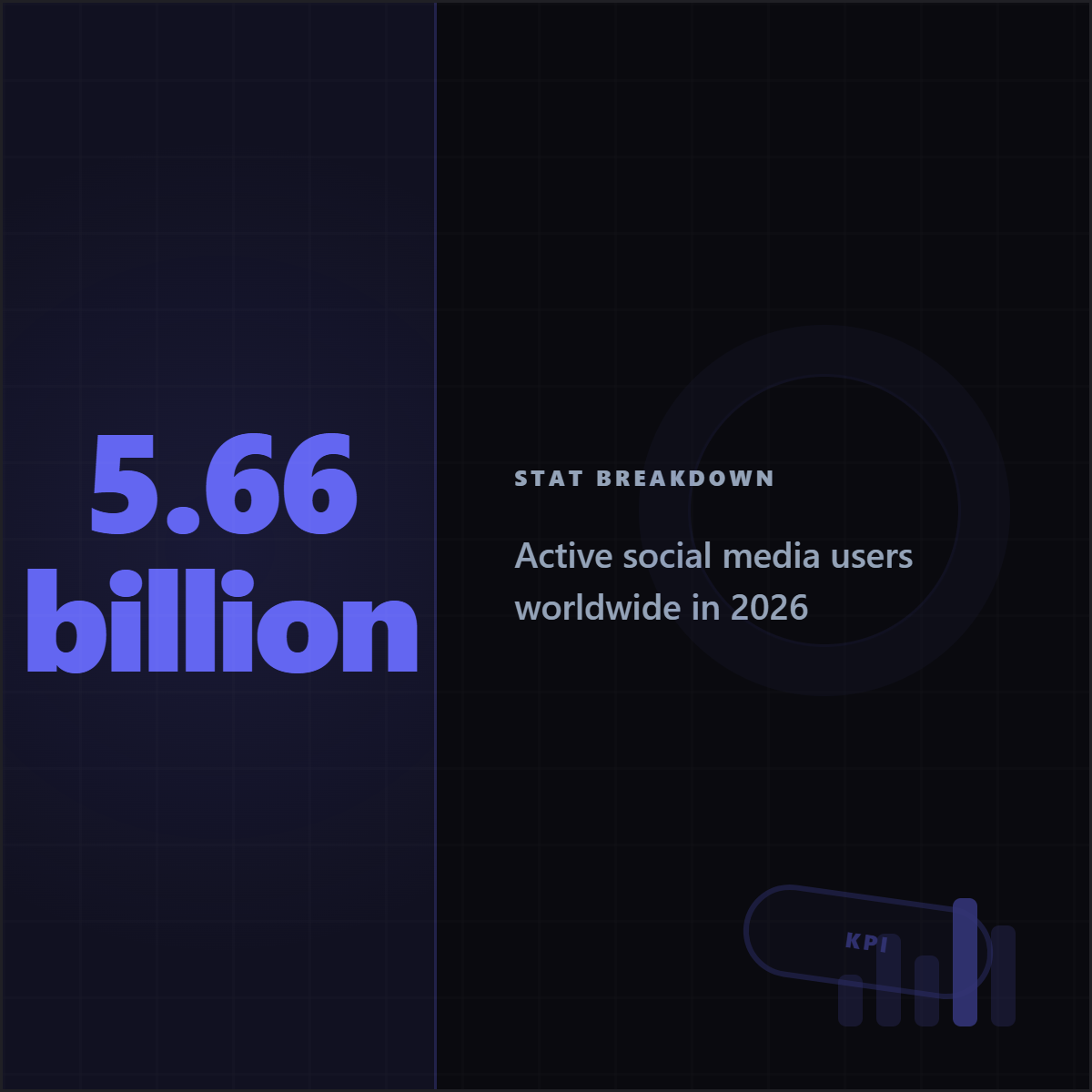
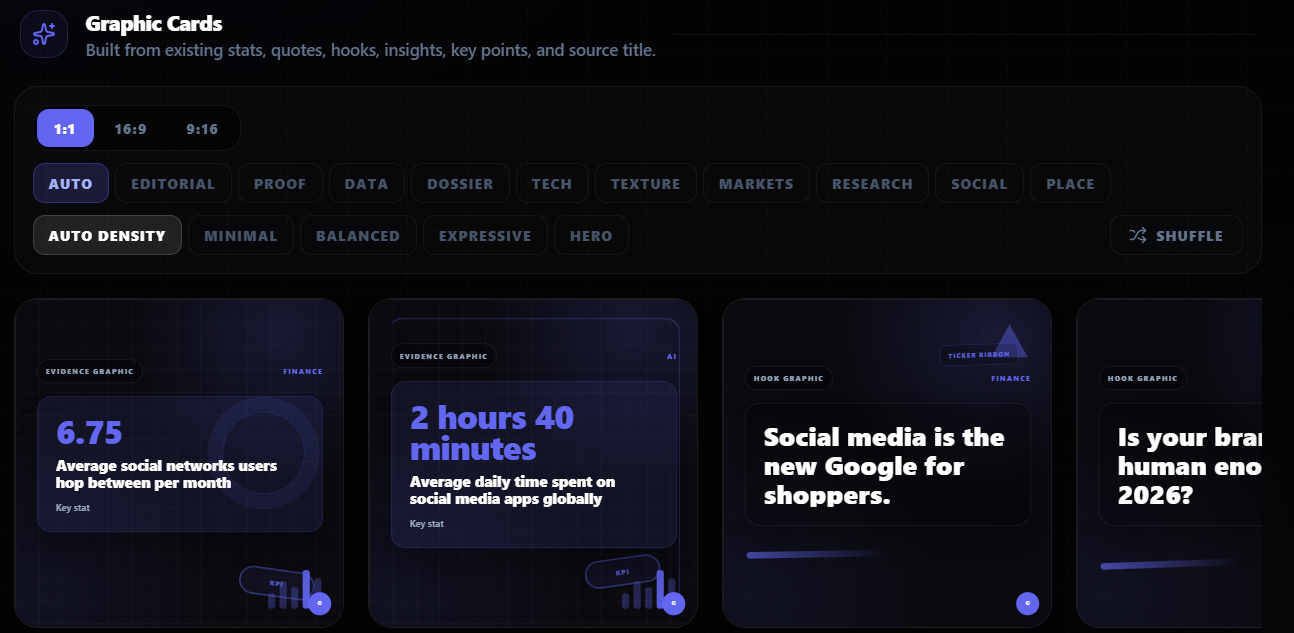
As soon as you ingest a source, Highlightly fills your overview with ready-to-edit card families: insights, hooks, quotes, stats, graphics, and photo-led cards. Pick the strongest one, switch the template, apply your brand, and publish.
Coming next
Key insights
Insight cards
Summarized takeaways turned into clean, shareable cards the moment extraction finishes.
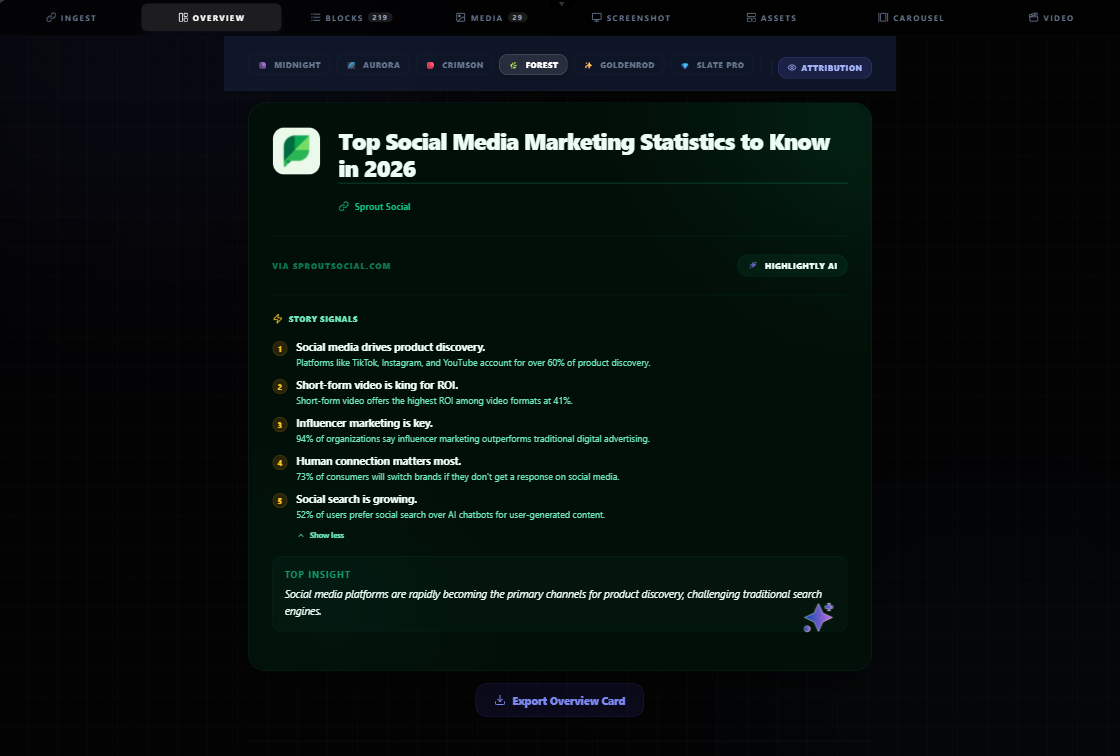
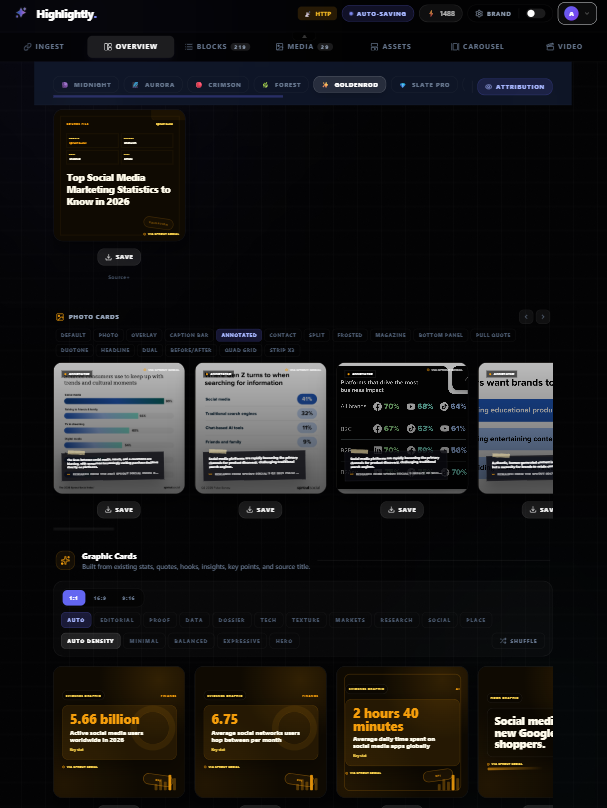
The first draft is already visual.
Highlightly does not hand you a wall of extracted text. It turns the source into premade cards, intelligence posters, themes, and ratios you can ship or refine.
Your brand, applied everywhere.
Logo, colors, typography, watermark, social handle, and brand element toggles travel through every card, carousel, screenshot, and export.
Logo system
Colors + fonts
Granular toggles
Watermarks
One idea. Every format.
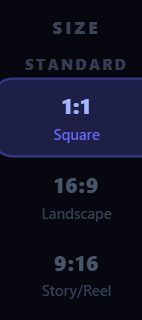
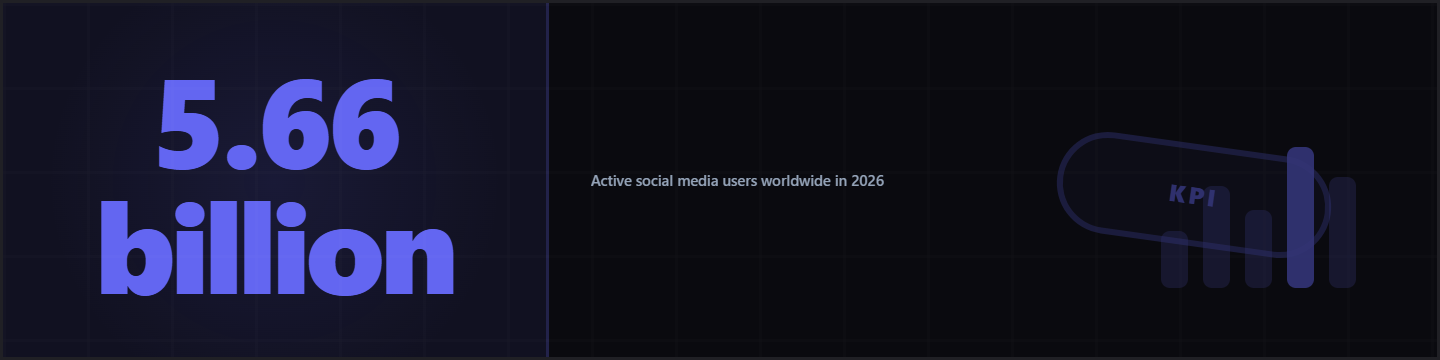
The same source-backed visual can become a story, feed post, wide graphic, or presentation-ready asset without rebuilding it from scratch.
Website banner
Social banner
Portrait post
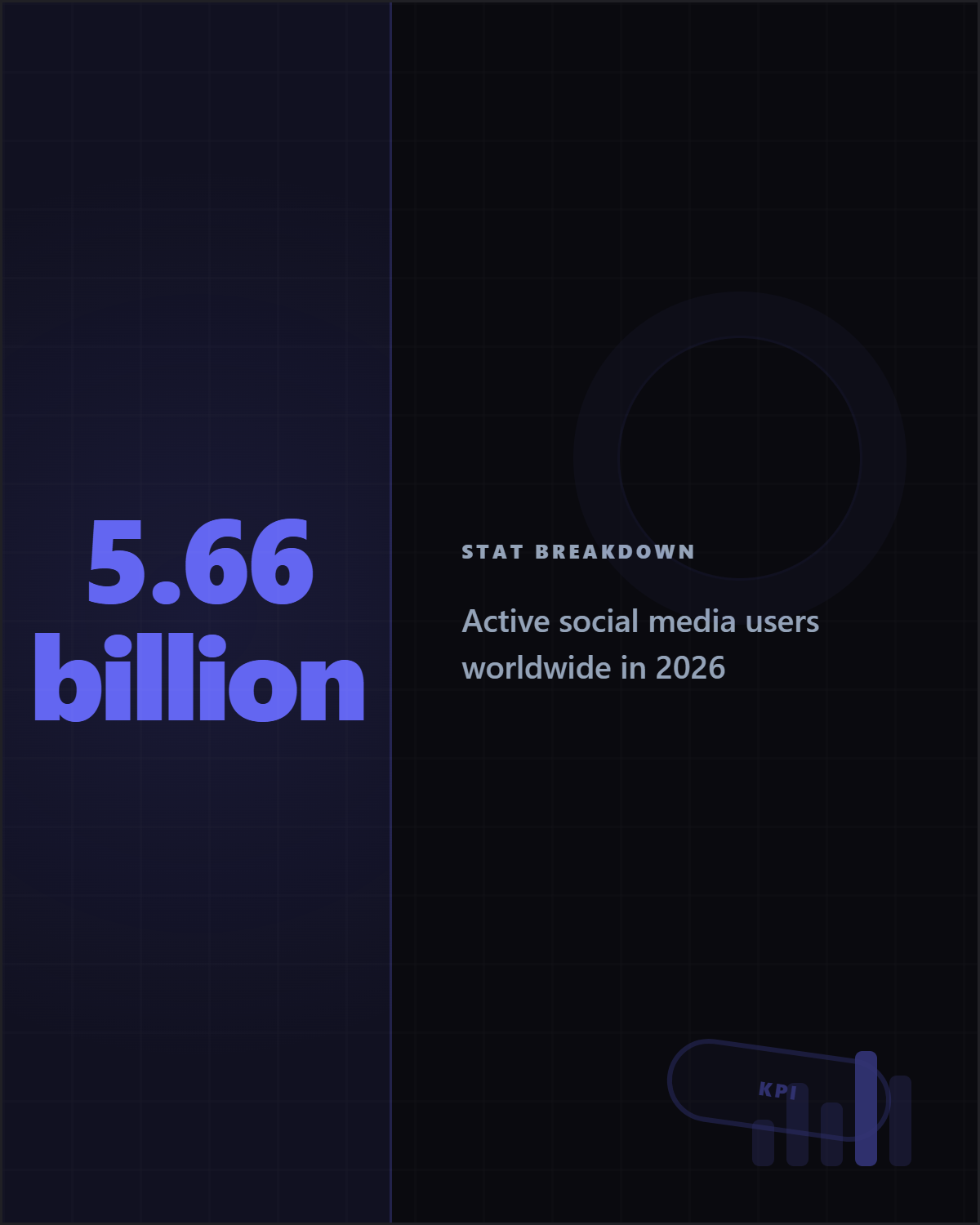
9:16 Story
16:9 Wide
1:1 Feed
Capture the source, then make it usable.
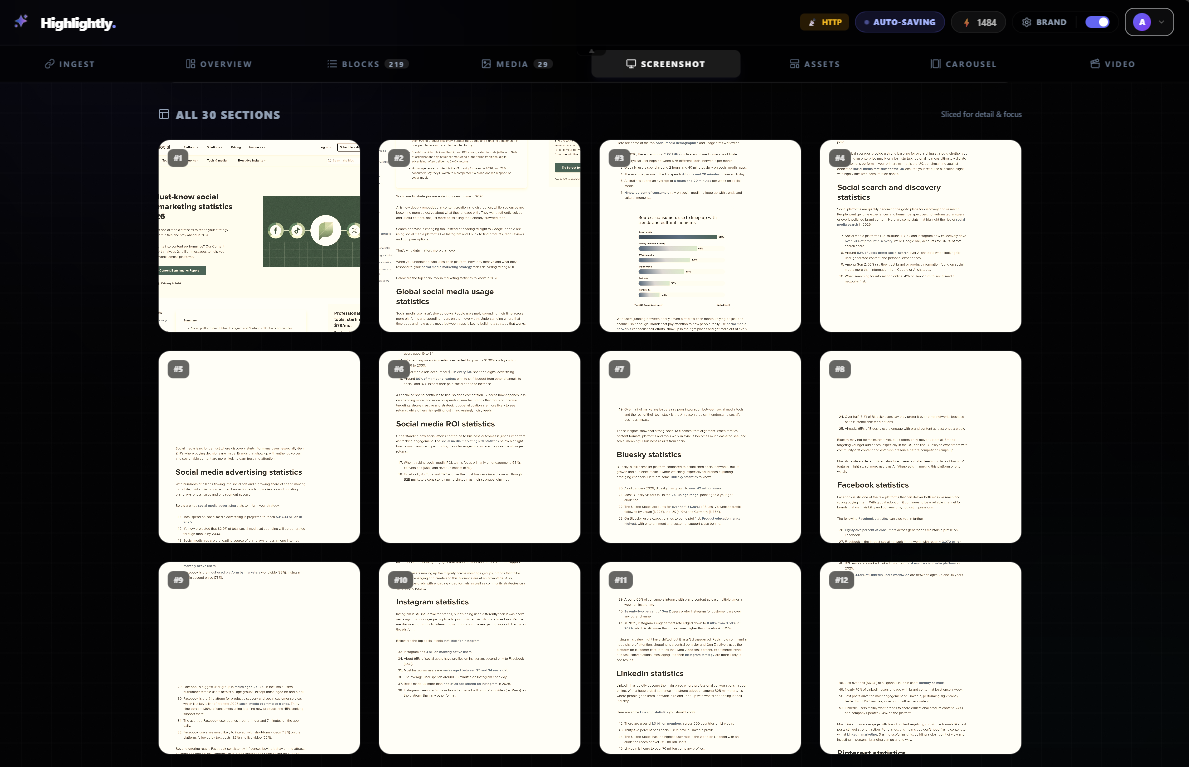
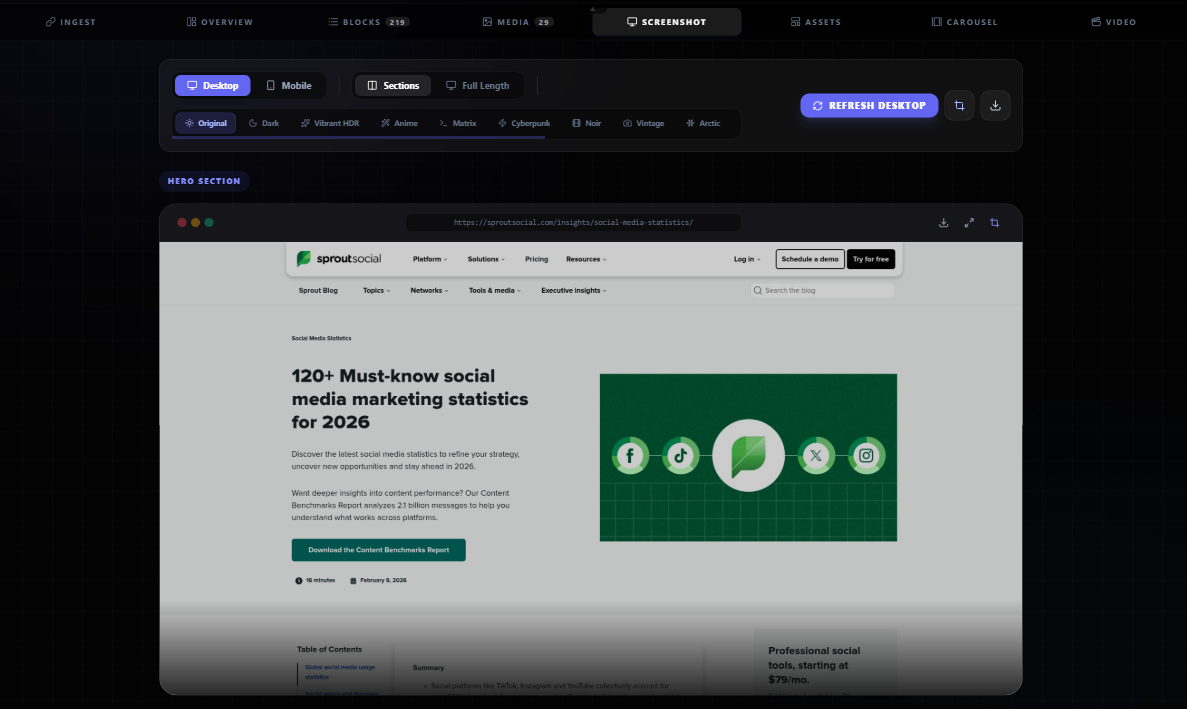
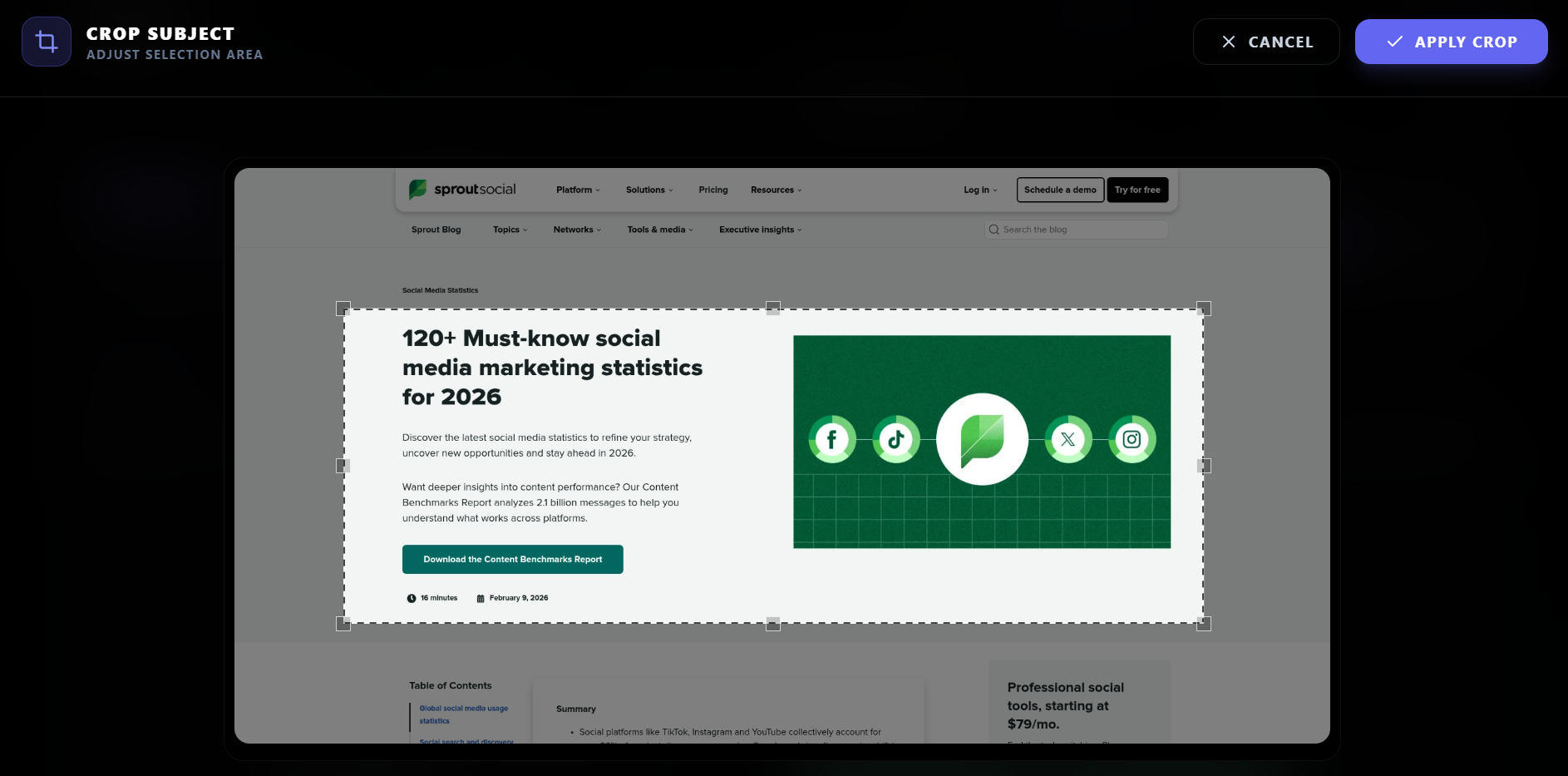
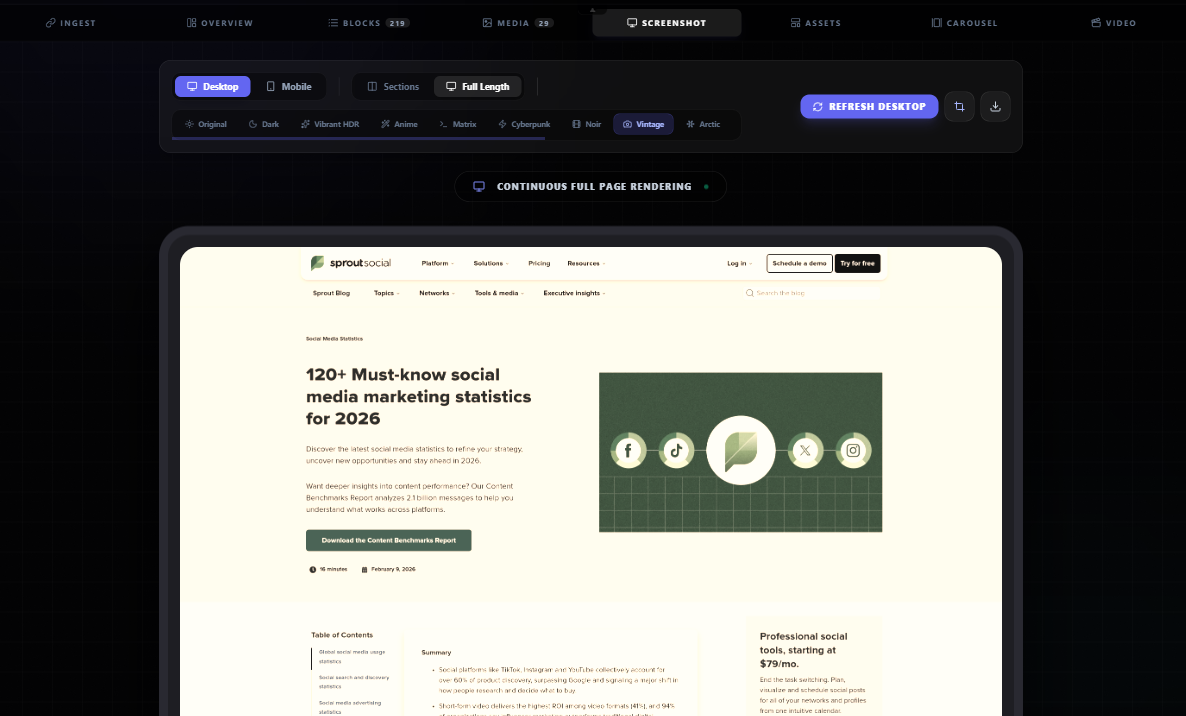
Grab desktop and mobile source screenshots, slice them into usable sections, and annotate the parts that matter for research, video, newsletters, and editorial posts.
Source evidence
Keep the original page evidence beside the AI-generated cards, so posts stay source-backed and easy to verify.
Desktop capture
Mobile capture
Annotation tools
Screenshot workspace
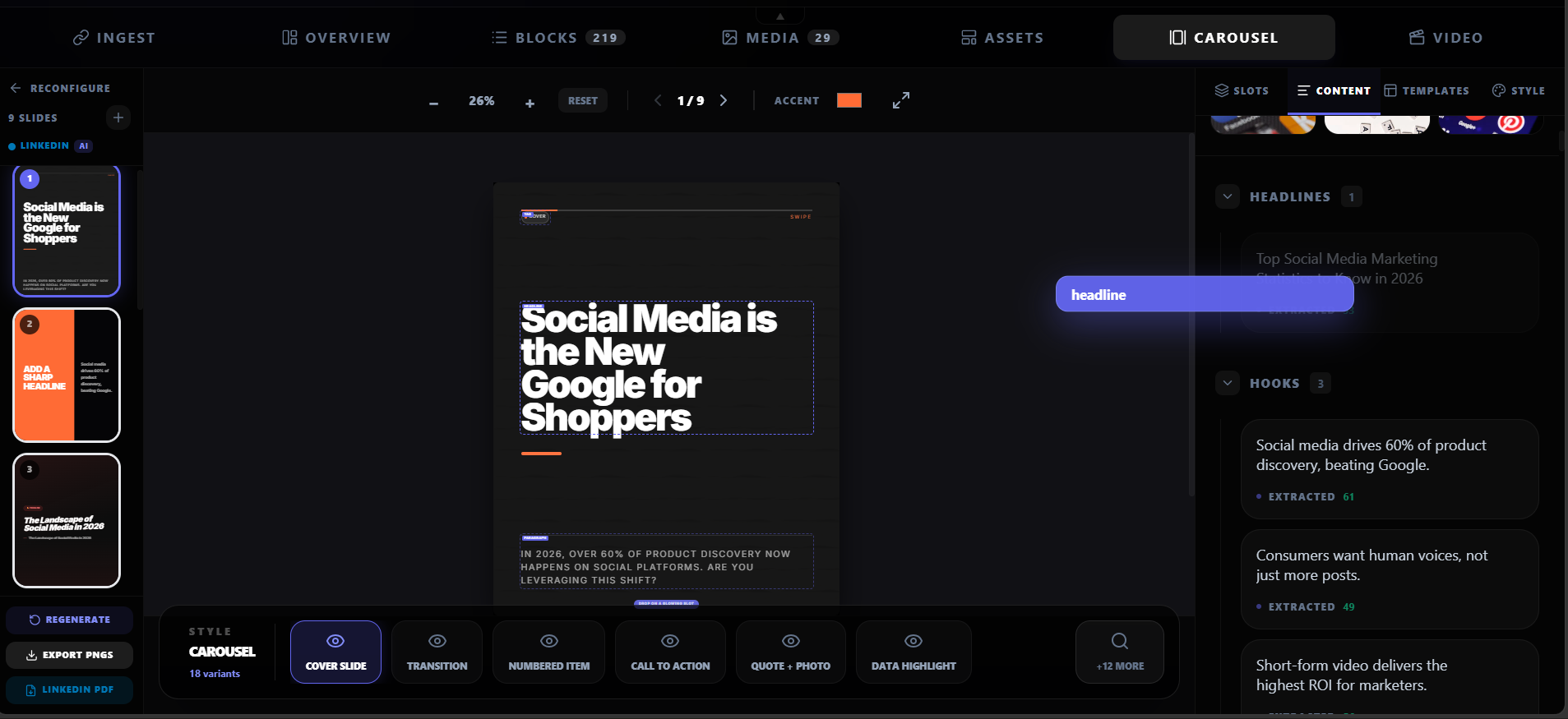
Turn a source into a full carousel.
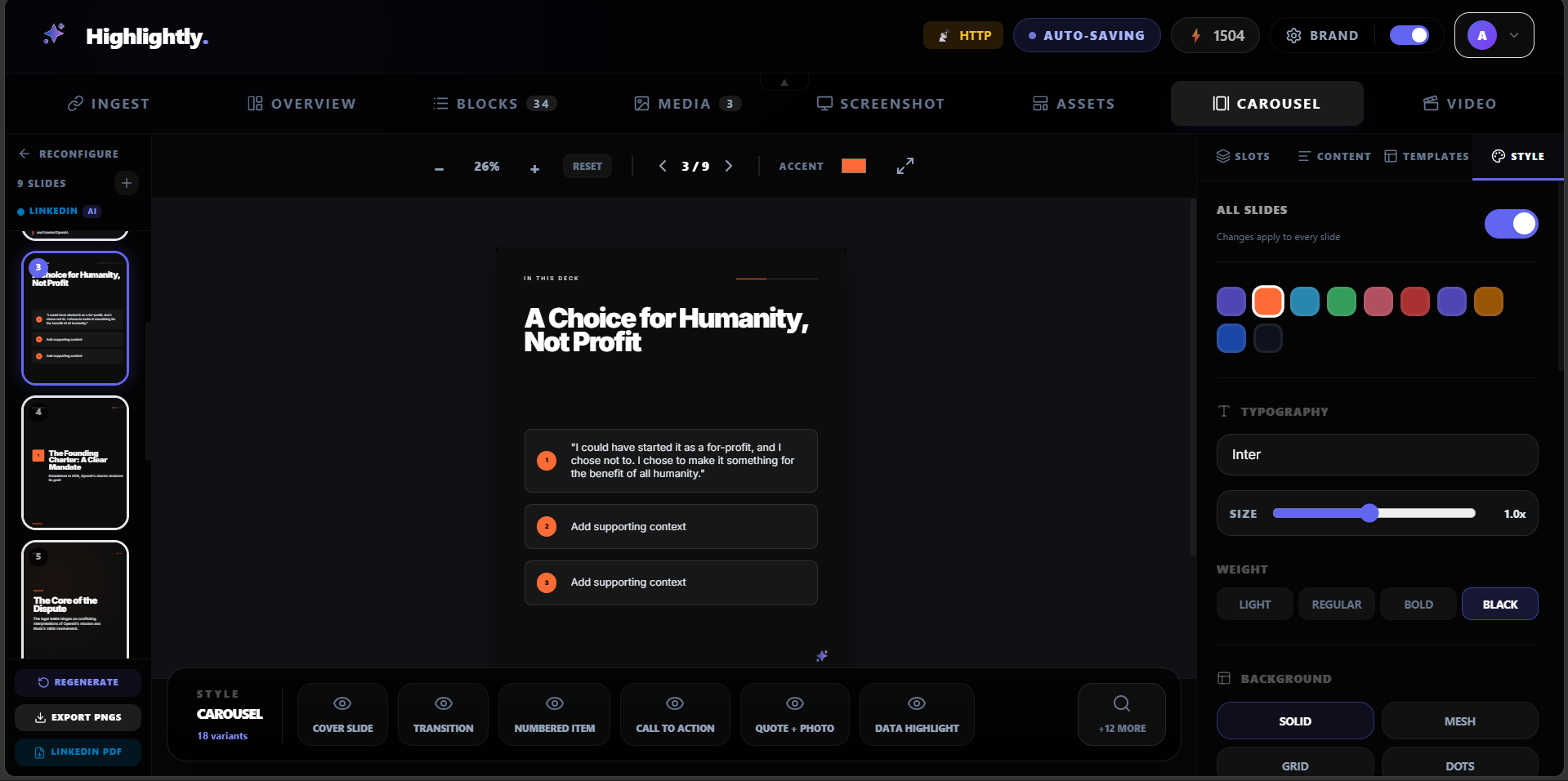
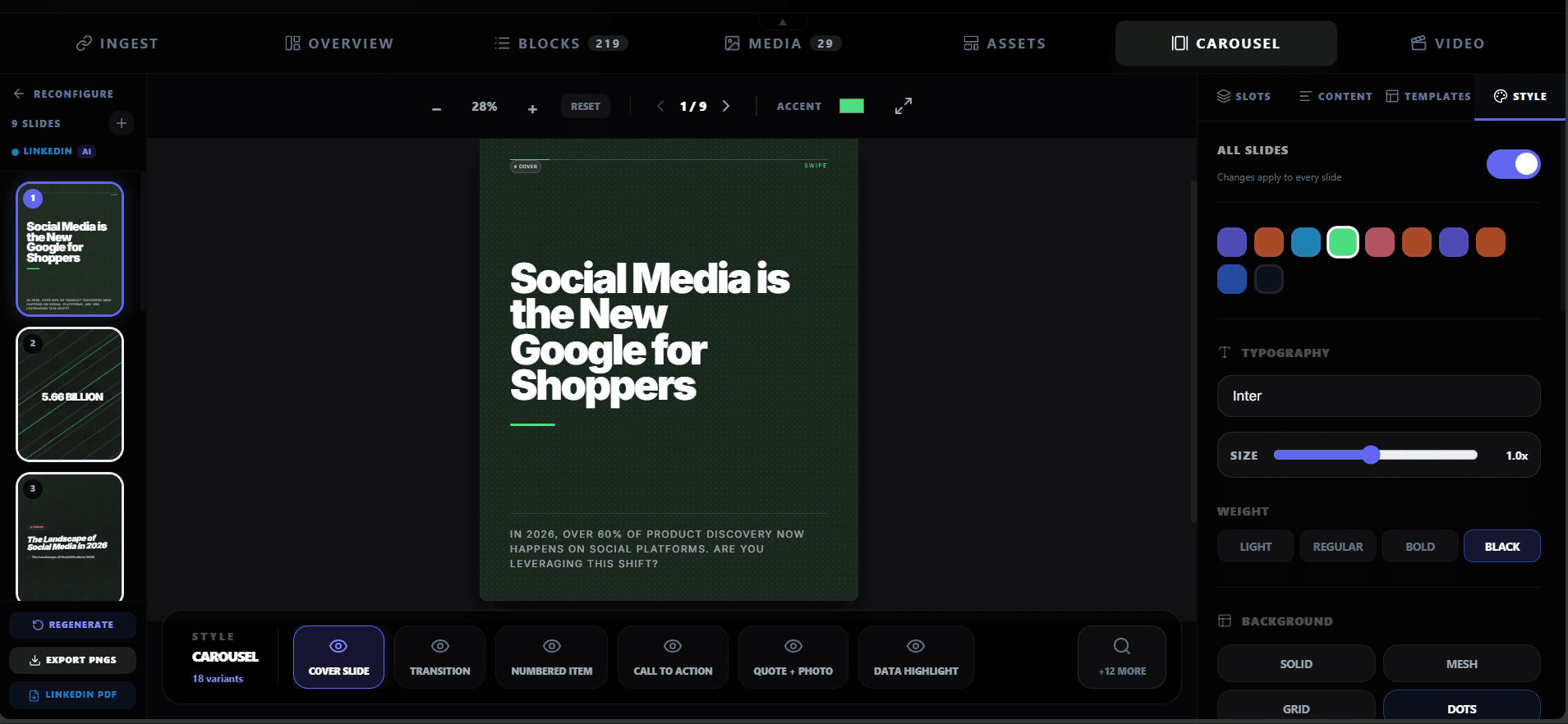
Highlightly can structure the narrative, generate slide-by-slide visuals, and export a LinkedIn-ready PDF sequence without asking creators to rebuild every page manually.
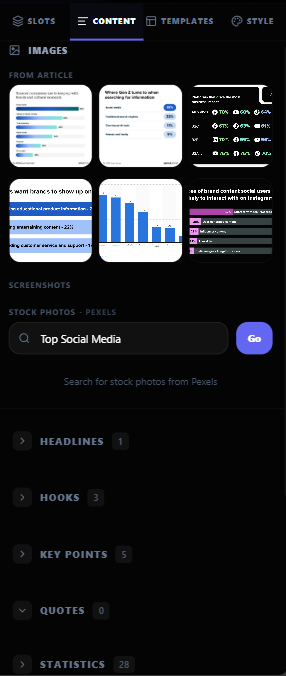
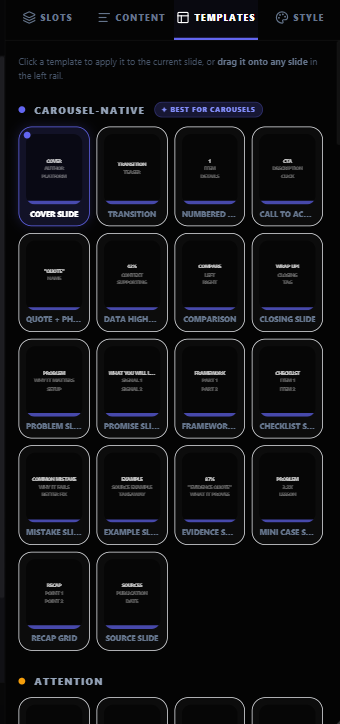
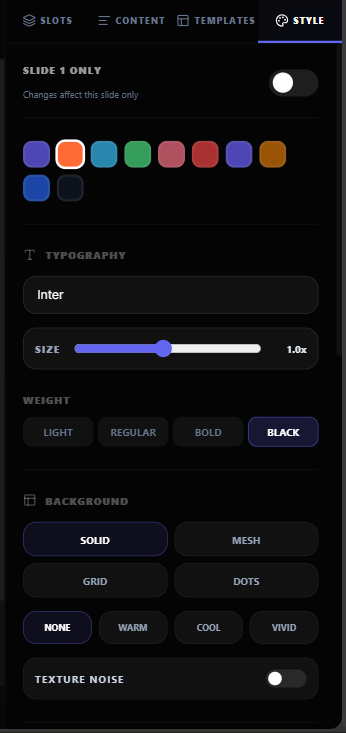
Workspace proof
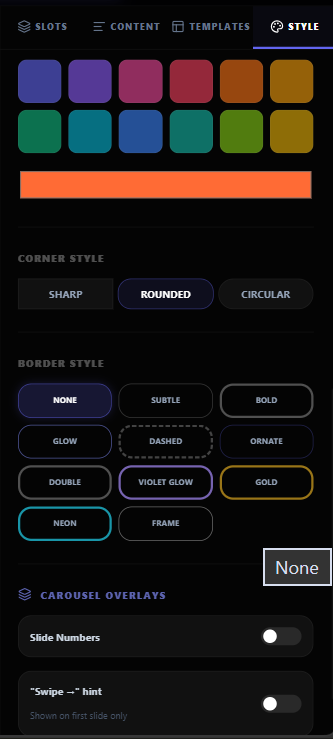
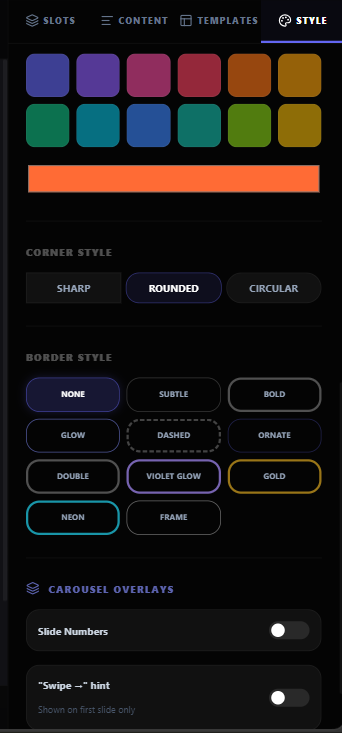
The carousel tool, not just the output.
Carousel workspace
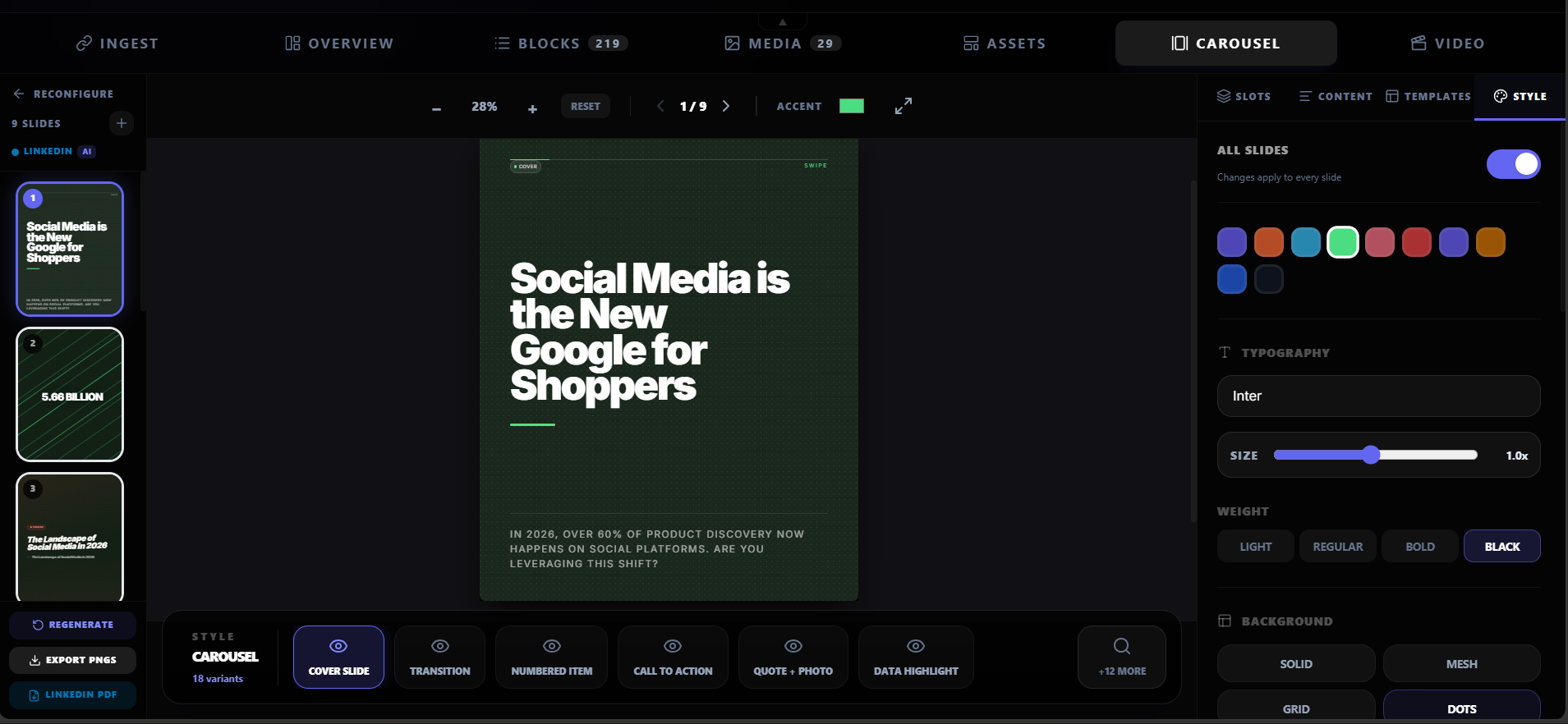
Slide sequence
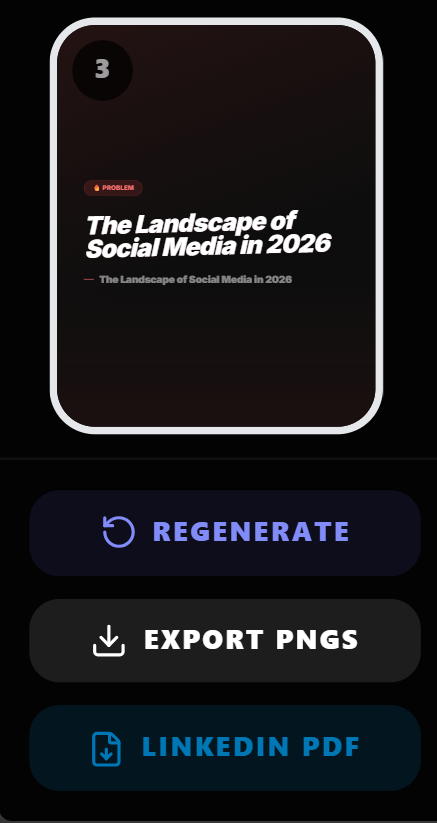
Numbered slide editor
One-click PDF
A finished carousel export.
Preparing carousel preview
Loading the one-click PDF export from static assets.
Made for multi-platform storytelling
Don't just take our word for it.
Watch how fast you can turn a raw article into a branded social media campaign.
The Overview Tab
Instantly review all AI-extracted hooks, statistics, and quotes.
The Carousel Builder
Build a high-performing 10-slide carousel in under 60 seconds.
How Highlightly compares
Canva is a design canvas. ChatGPT is a writing assistant. Highlightly is built around the missing middle: turning verified source material into branded visual assets.
| Feature | Highlightly | Canva | ChatGPT | ContentDrips | Predis |
|---|---|---|---|---|---|
| Source-backed extraction from URLs, PDFs, docs, text, search, and YouTube | |||||
| Real quotes, stats, hooks, facts, and key points surfaced separately | |||||
| Generated graphics keep attribution visible and editable | |||||
| Brand kit applied across cards, screenshots, carousels, and exports | |||||
| 100+ source-aware scene templates, not generic social templates | |||||
| Six export proportions from banner to square to story | |||||
| Screenshot capture, slicing, annotation, and source evidence workflow | |||||
| LinkedIn carousel sequence builder and PDF-ready preview | |||||
| Platform captions for LinkedIn, X, Instagram, and Reddit | |||||
| Session history with saved edits and brand choices |
Export everywhere
One source. Six platforms. Captions optimized for each.
Carousels, text posts, and document uploads
Twitter / X
Thread-ready posts with hooks and stats
Story slides, carousels, and quote cards
Discussion-worthy posts with key takeaways
YouTube
Video thumbnails and community post graphics
Presentations
Pitch decks and summary slides
LinkedIn carousels from one source.
Watch a source-backed carousel auto-move through the post preview, with consistent slides ready for B2B and creator workflows.

Aman Jain
Founder @ Highlightly | AI Content
2h •
I stopped spending 2 hours making carousels. Here's exactly how I do it in 60 seconds with AI.
Actual graphics generated by Highlightly
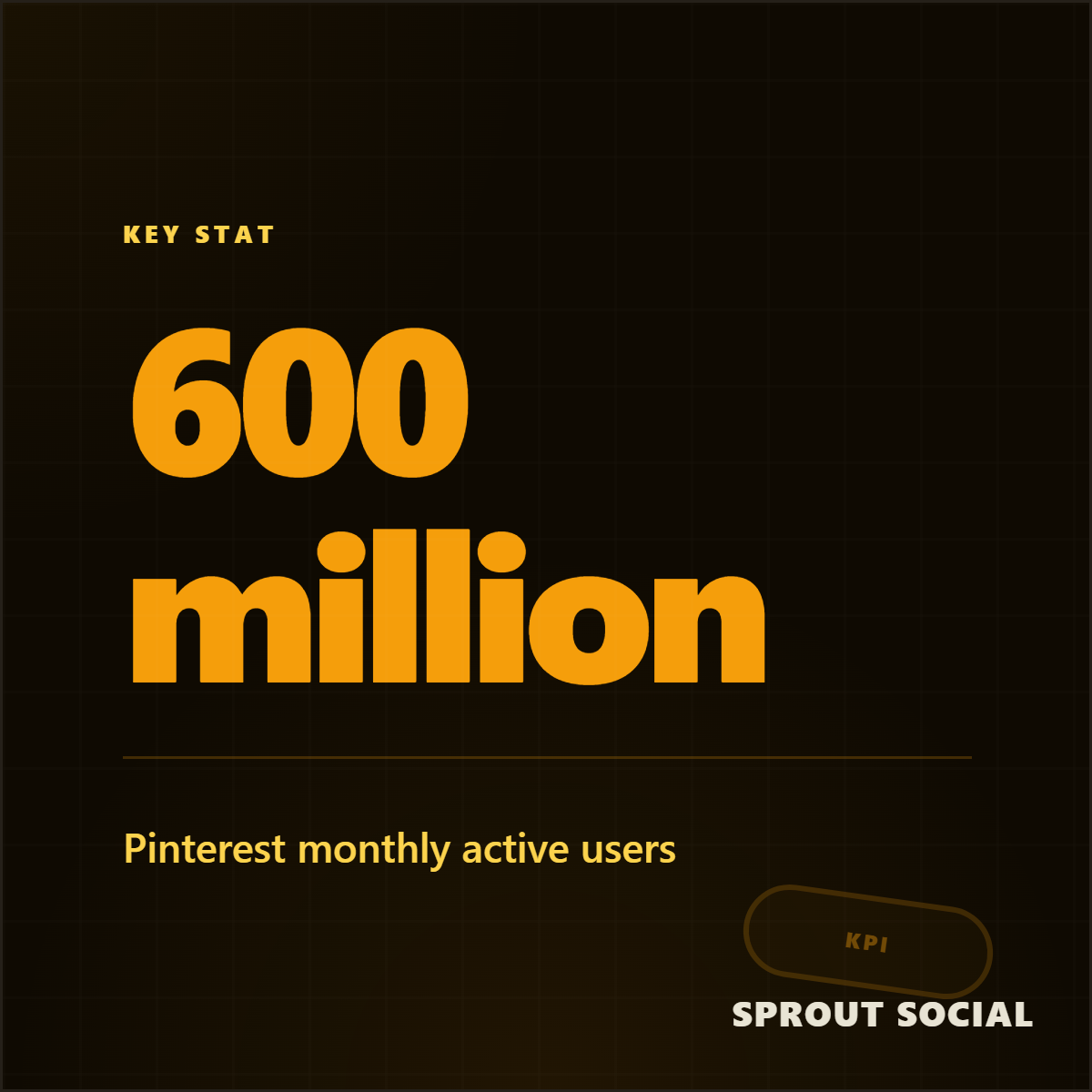
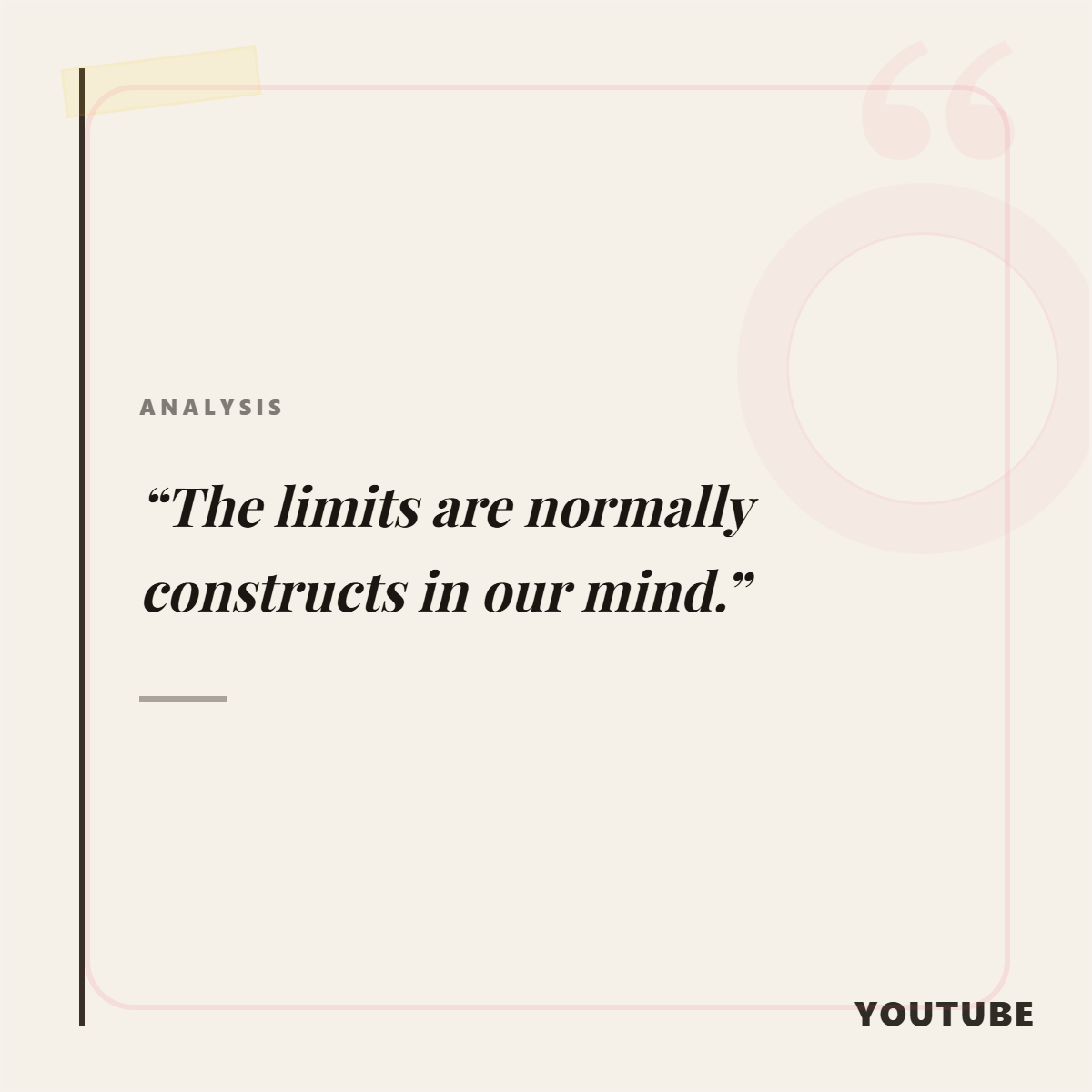
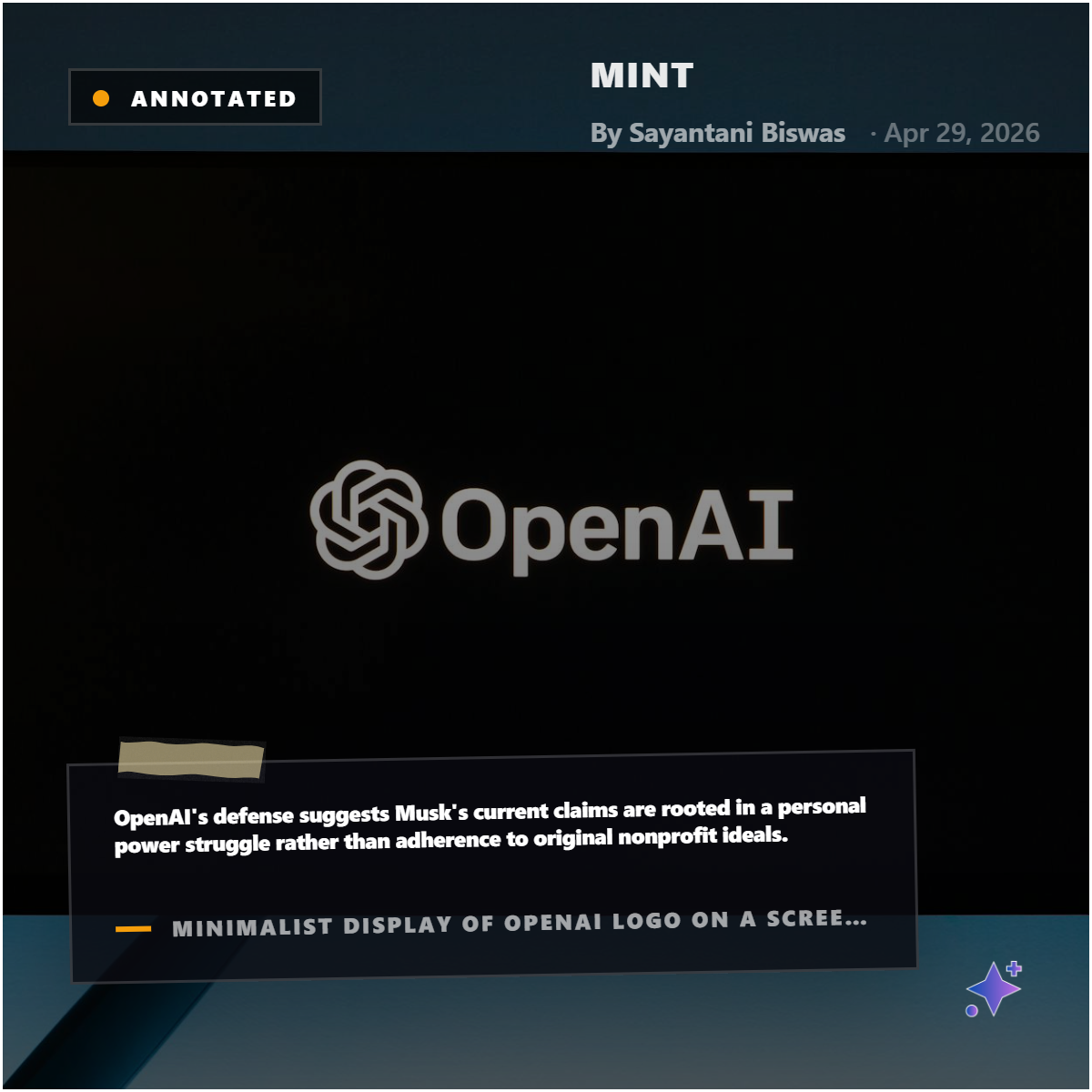
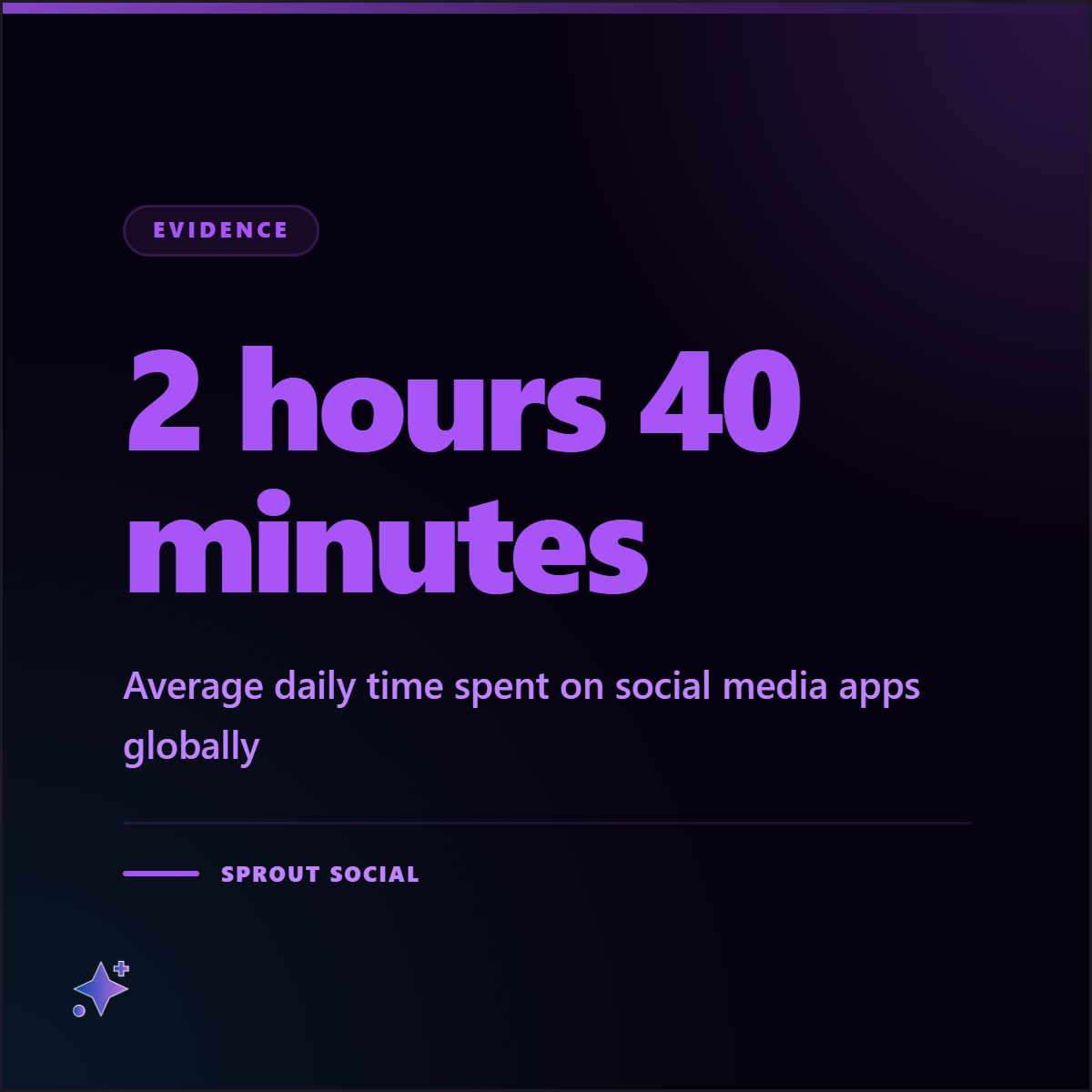
A moving wall of quote cards, stat posts, image insights, and editorial layouts made from real source material.
Start free. Scale when ready.
No credit card required to get started.
Free
- URL, PDF, YouTube & text extraction
- All templates and exports
- 1 cloud-synced brand kit
- No saved session history
Pro
- Everything in Free
- 200 credits/month
- 10 saved sessions
- 2 brand kits
- Caption, carousel and graphic AI
Creator
- Everything in Pro
- 800 credits/month
- 40 saved sessions
- 5 brand kits
- Bulk export workflows
Agency
- Everything in Creator
- 3,000 credits/month
- 100 saved sessions
- 20 brand kits
- Built for high-volume teams
Questions? Answered.
Start turning articles into graphics today.
Free to start. No credit card. No commitment.